See which features use Energy (tokens) and which don't, plus a few ways to get better answers while using less.
3 steps · about 1 min
Steps
1
Type "How much Energy do I have left?" to the Assistant. It tells you the actual numbers left for this month and for add-on Energy. This question doesn't use Energy.
Screenshot comingAssistant replying with the Energy left
2
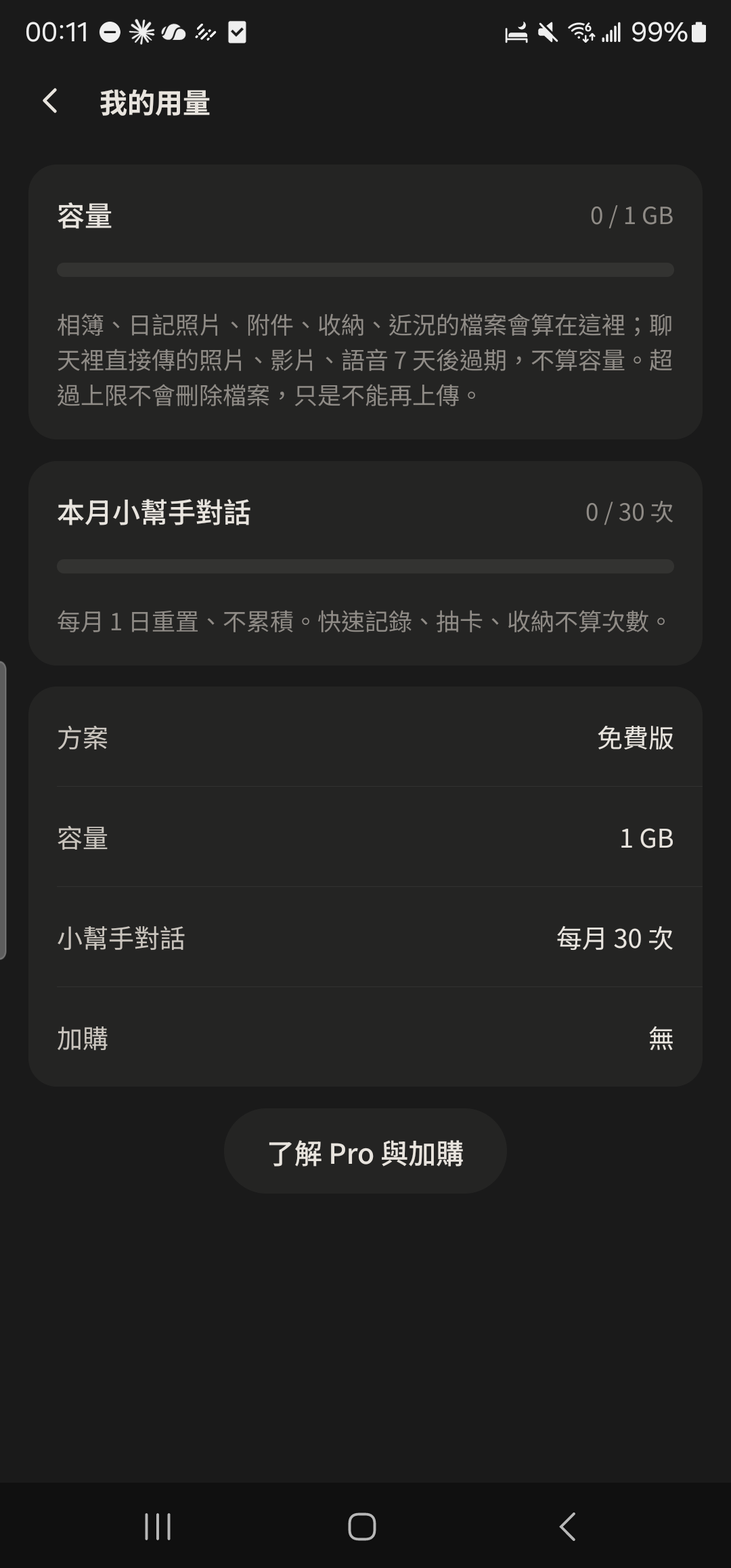
Tap the icon at the top right of the Assistant, or go to Me → Energy & Storage, to see what's left and your Energy history.
3
Open the "24h Pro" page and the "Energy & Storage" page to see the monthly Energy allowance.
Screenshot comingEnergy info on the 24h Pro page
Energy (tokens) is based on actual usage, including the chat history and photos sent along. About 1,000 tokens equals about 1 Energy. No estimate is shown before you send; check your Energy history to see how much was used. It refills on the 1st of each month (Taiwan time), and unused Energy doesn't carry over. If you have add-on Energy, this month's is used first, then the add-on.
Uses Energy: AI chat with the Assistant (questions the rules can't answer). A typical question is about 2 Energy; the longer you keep chatting, the more history is sent along, and one message can take about 4–5 Energy.
Uses Energy: calories from a photo. About 3 Energy for 1 photo, about 5 Energy for 3 photos.
Uses Energy: Group summary. About 1 Energy when there are few messages, more as messages increase.
Uses Energy: searching your chats by asking. About 1 Energy at the least, more as more messages are found.
Uses Energy: Help me reply. About 1 Energy each time; changing the tone or asking for another line counts as one more time.
Uses Energy: Chat insight. About 2 Energy when there are few messages, more for more days and more messages.
Uses Energy: asking the Assistant to interpret a spread. About 2 Energy for three cards.
Doesn't use Energy: Quick Log (Ledger, weight, mood, to-dos), Draw a Card and spreads (drawing and viewing the fixed card meanings), Notes and browsing Albums, speech-to-text, and the official fixed answers (privacy, who can see what, pricing, Energy, how much Energy is left, storage).
Ask one thing at a time: the shorter and clearer the question, the less Energy it uses and the better the answer.
Give everything it needs in one go: "Put these three things in order: pay the bill, reply to the email, buy groceries" works better than "Help me sort things out."
No need to keep chatting on and on: the Assistant uses your last few messages for context, and the more it sends along, the more Energy it uses. For a new topic, just ask the new question.
Pick the clearest photo: attach just one at a time, since more photos use more Energy.
Use Quick Log when you can: one-liners like "lunch 120" or "weight 58" don't use Energy.
Don't send passwords, verification codes, card numbers, or other people's personal information.