 24h
24hQuick Log in one sentence
Tell the Assistant "weight 58" or "lunch 120" and it logs it for you. This doesn't use your AI chats.
- 1
Tap "24h Assistant" in your chats list.
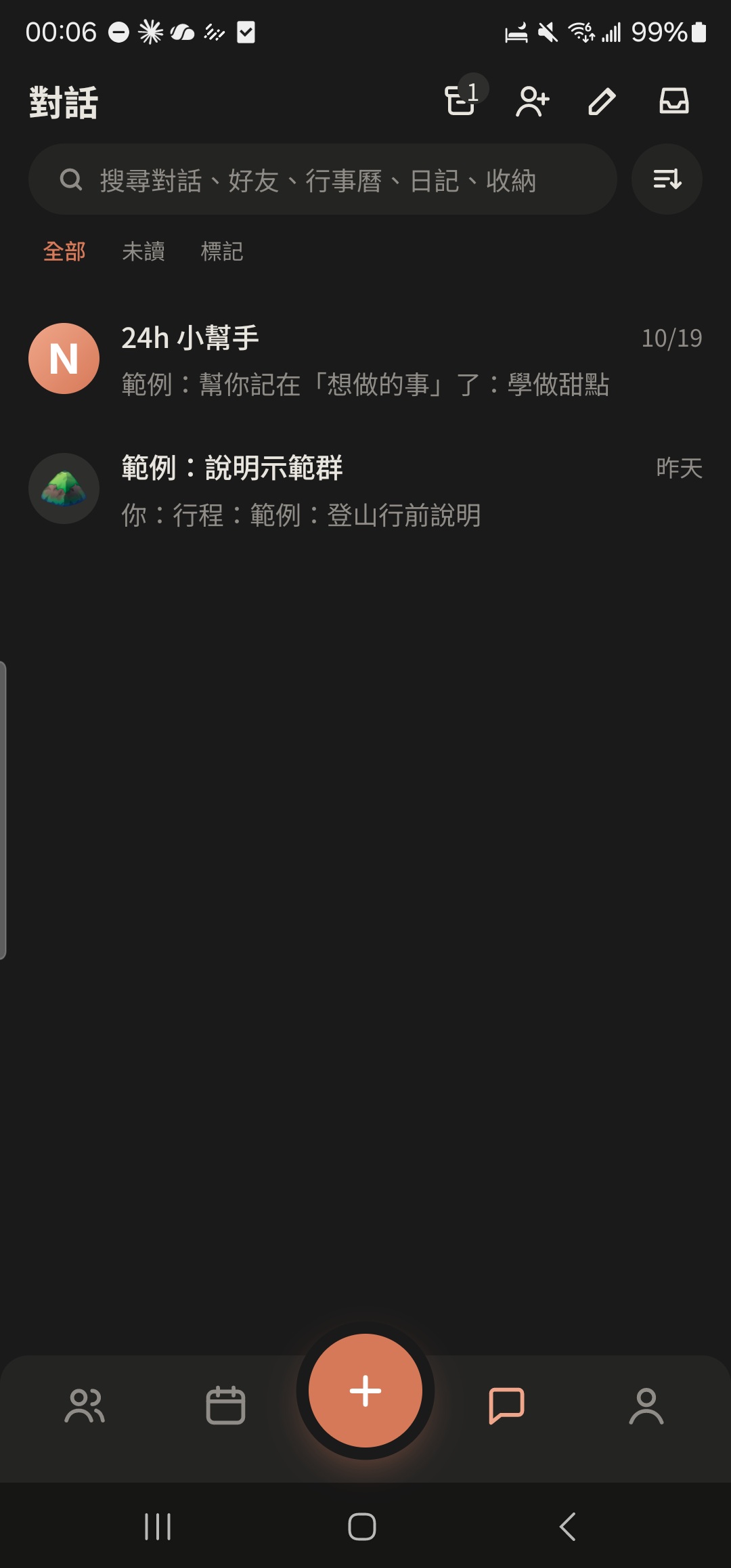
- 2
Type a short line like "weight 58" or "lunch 120" and tap send.
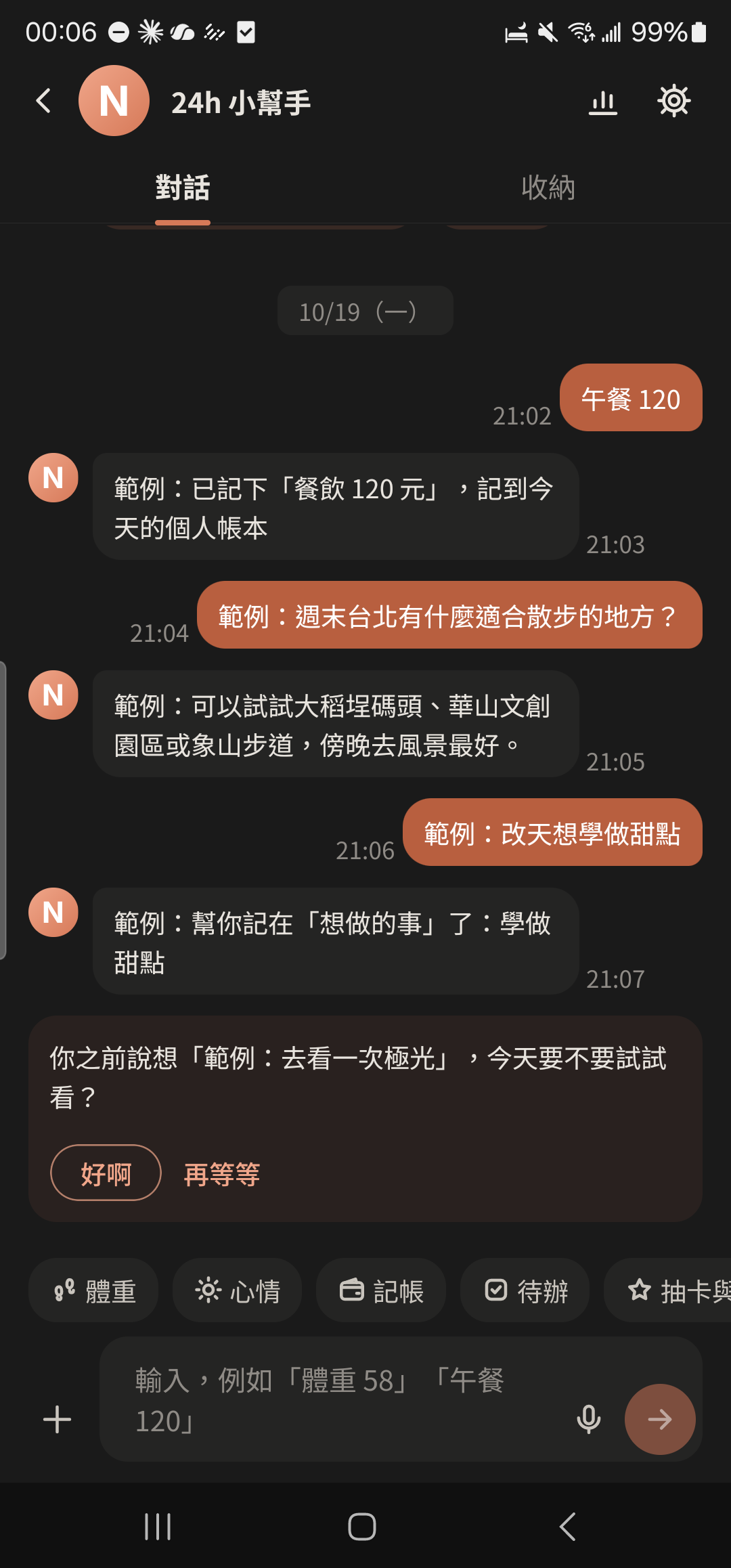
- 3
Tap "Add Entry" or "Today's Mood" above the input box, or tap the ⊕ on the right of the input bar and choose Weight, Mood, Ledger, or To-do under "Quick Log". Fill it in, then tap "Save".
Screenshot comingShortcut chips above the Assistant input box, and "Quick Log" in the ⊕ feature panel - 4
Tap the Assistant's reply to confirm it was saved to your Diary, Ledger, or To-dos. If it's wrong, tap "Undo" below the reply.
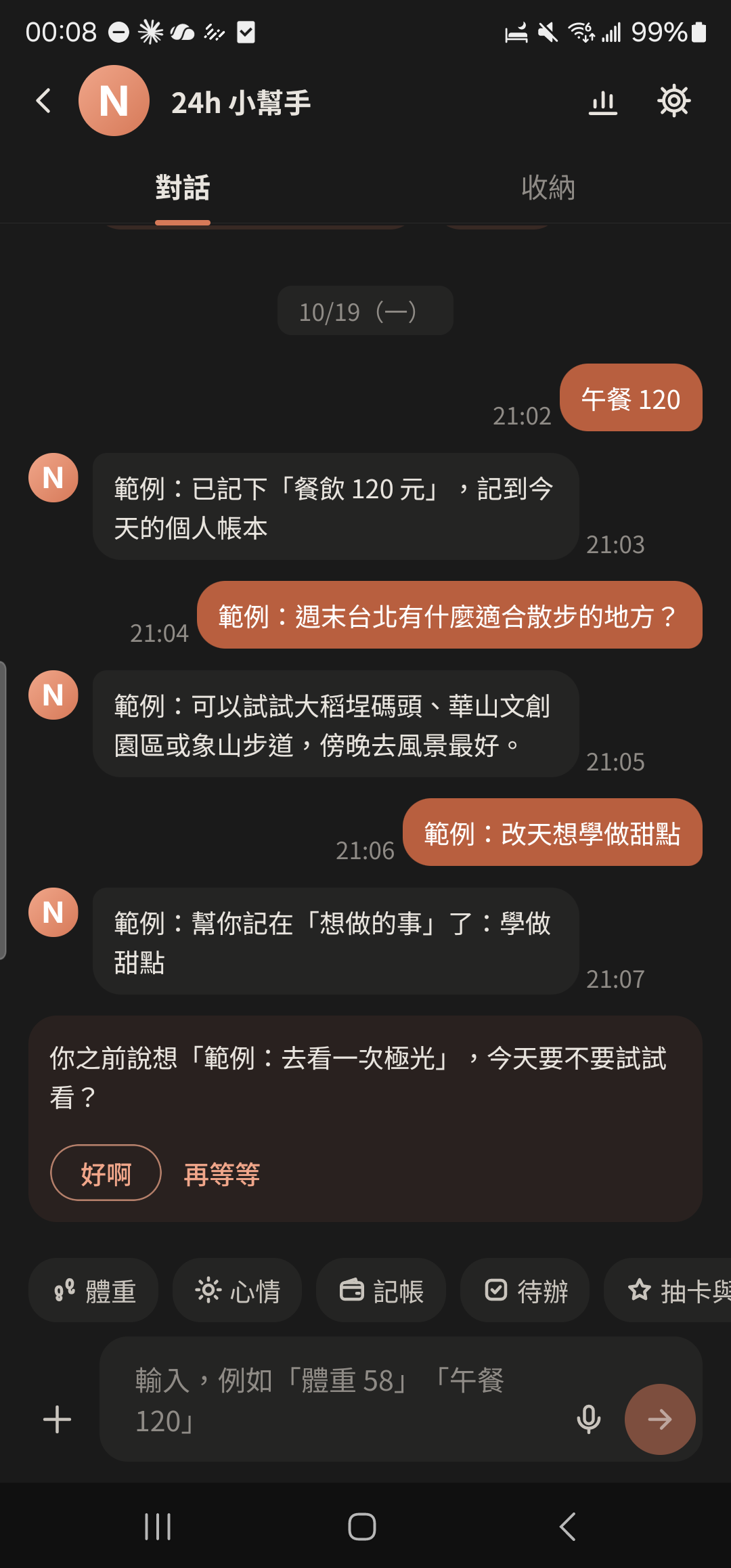
- If you have an active Project Ledger, you can tap "Move to "..." Ledger" after adding an entry.
- "Quick Log" in the ⊕ feature panel also has Event and Period.