 24h
24hStash: save text and links you want to remember
Stash is a place only you can see, for saving text, links, addresses, and files.
- 1
Tap the "Stash" tab at the top of the Assistant.
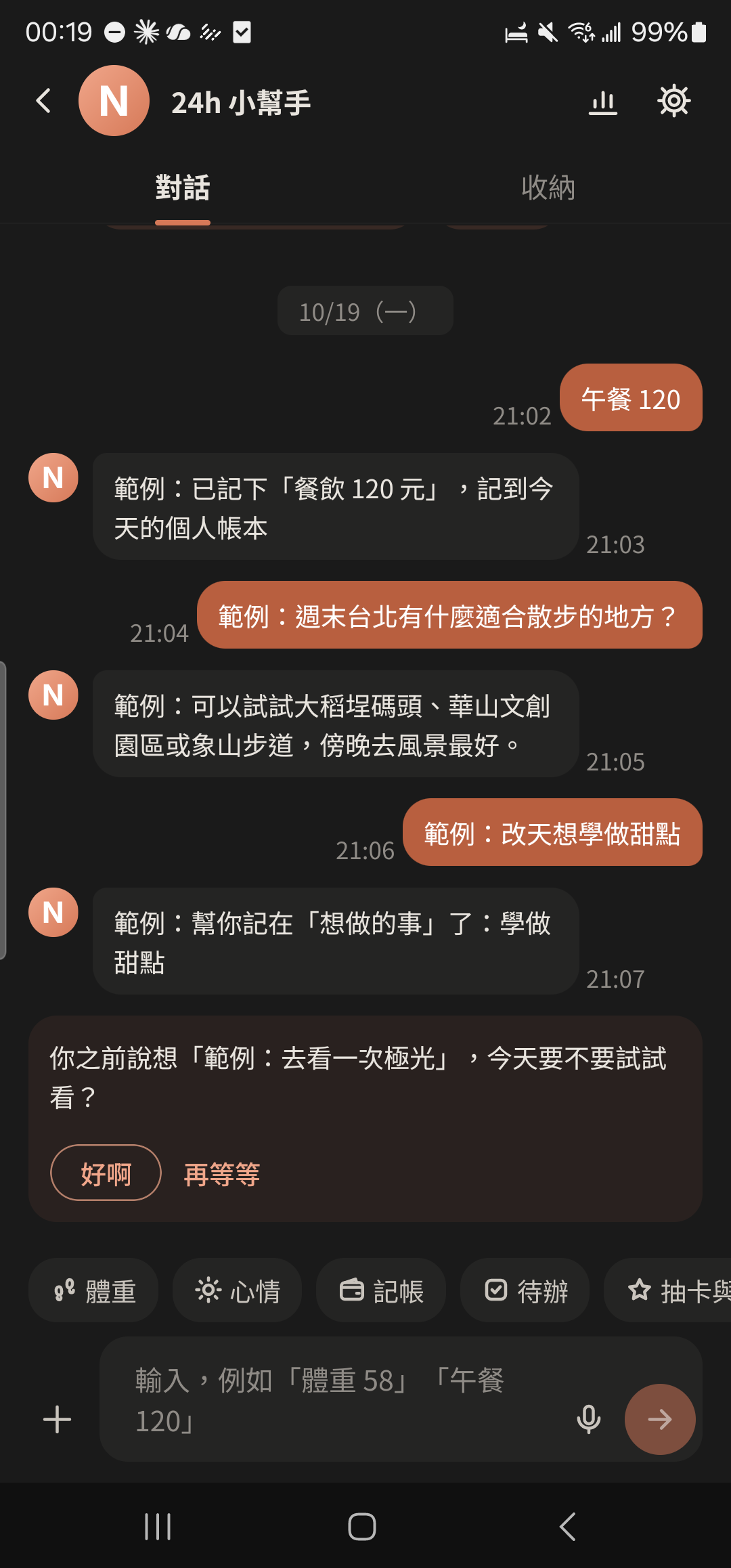
- 2
Type text or paste a link at the bottom of the Stash tab and tap send to save it.
Screenshot comingStash screen with a few saved links - 3
Press and hold a text message in any other chat and choose "Save to Stash".
Screenshot comingPress-and-hold menu on a message, "Save to Stash" highlighted - 4
Tap the search box at the top of Stash to find things you saved.
Screenshot comingStash search results
- Stash sorts items by type: Album, links, addresses, text, and files. Press and hold an item to copy, share, or delete it.
- When the Assistant is turned off, Stash is called "My Note". Text and links don't count toward storage.