 24h
24hThings to Do list
The Assistant remembers the things you said you'd like to do someday, and later reminds you to give them a try.
- 1
Send the Assistant something like "I want to go to the beach someday".
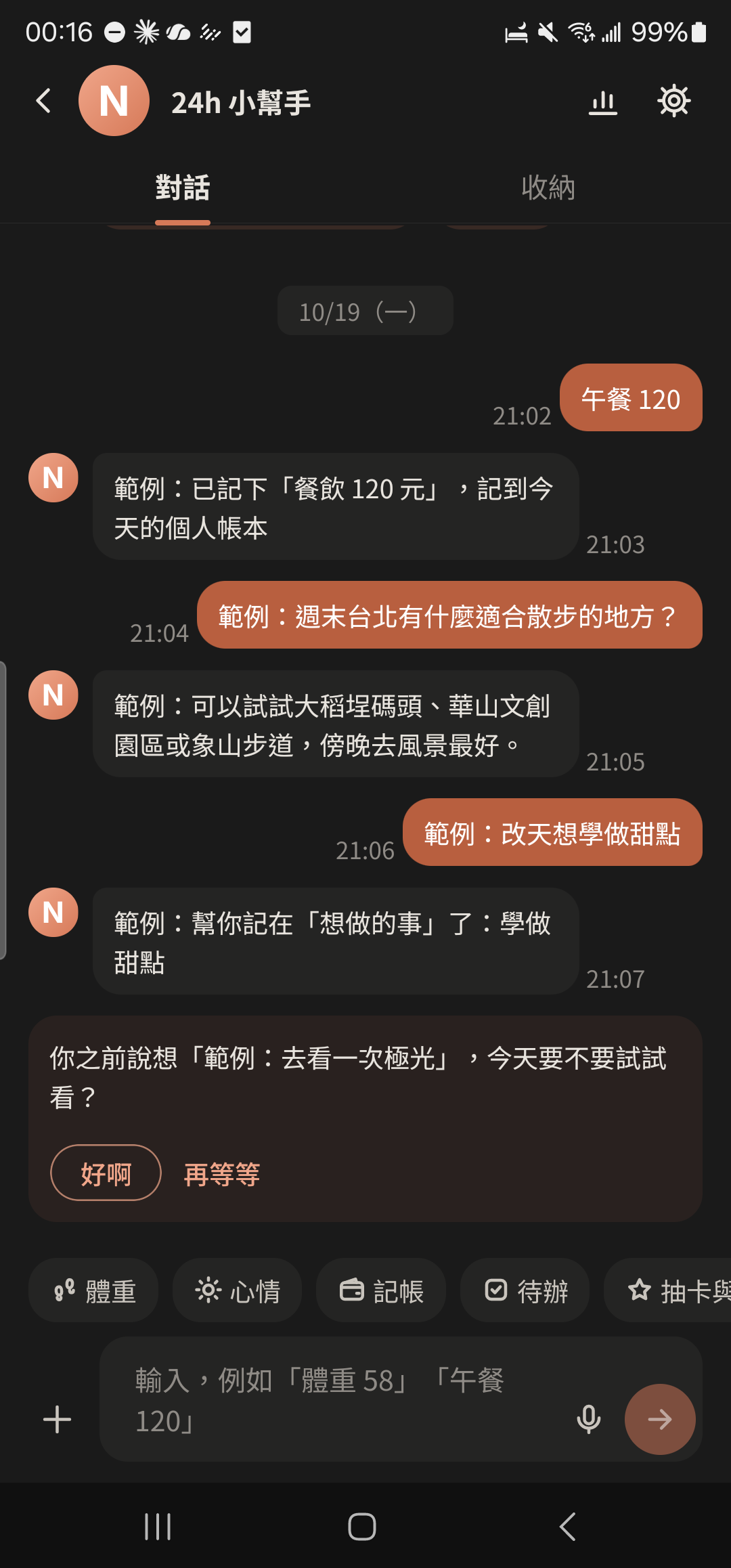
- 2
Tap the ⊕ on the right of the input bar and choose "Things to Do" under "Daily" to see everything you've noted.
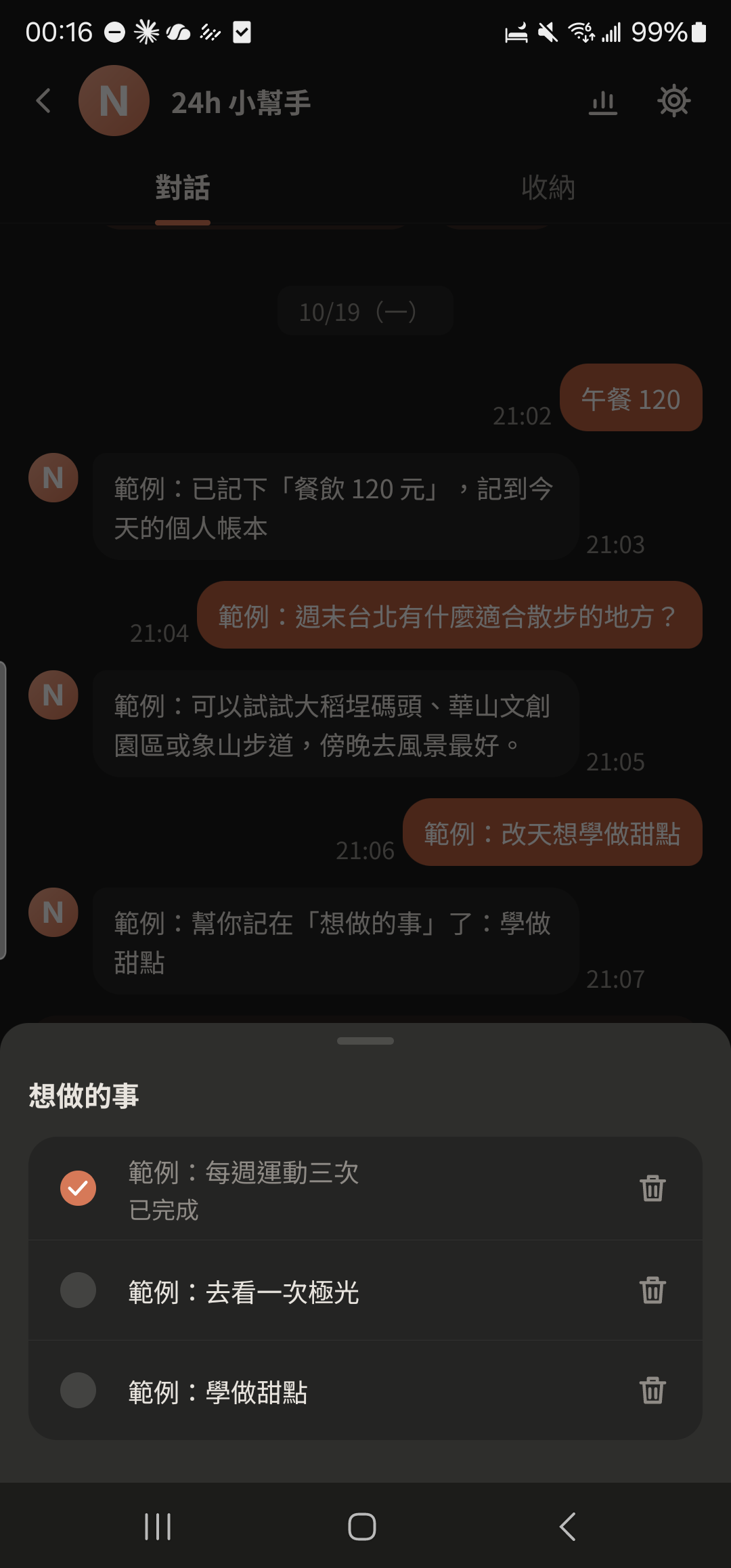
- 3
Tap "Done" when you've done it, or "Delete" if you don't want it anymore.
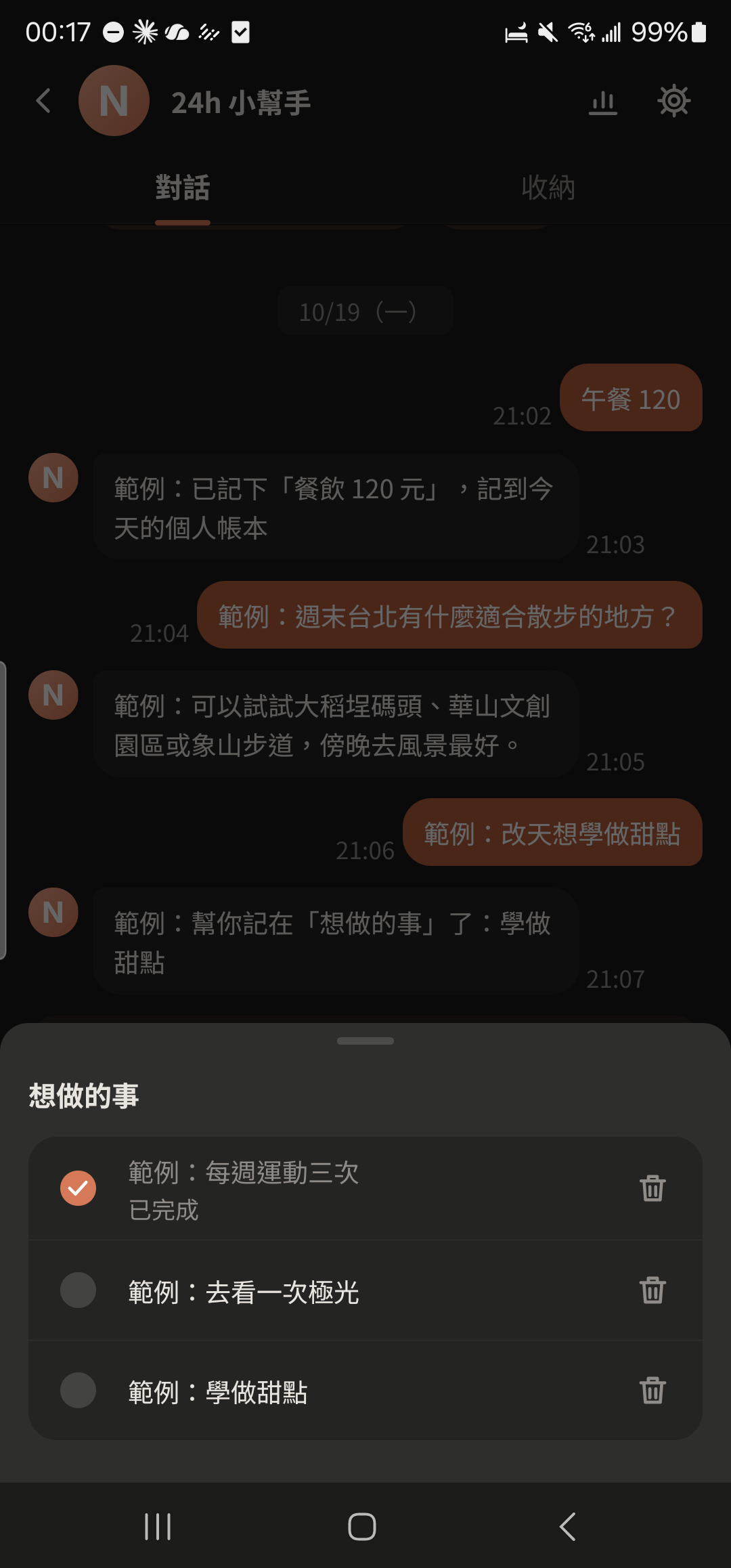
- 4
Tap "Sure" or "Wait a bit" to reply to the Assistant's reminder.
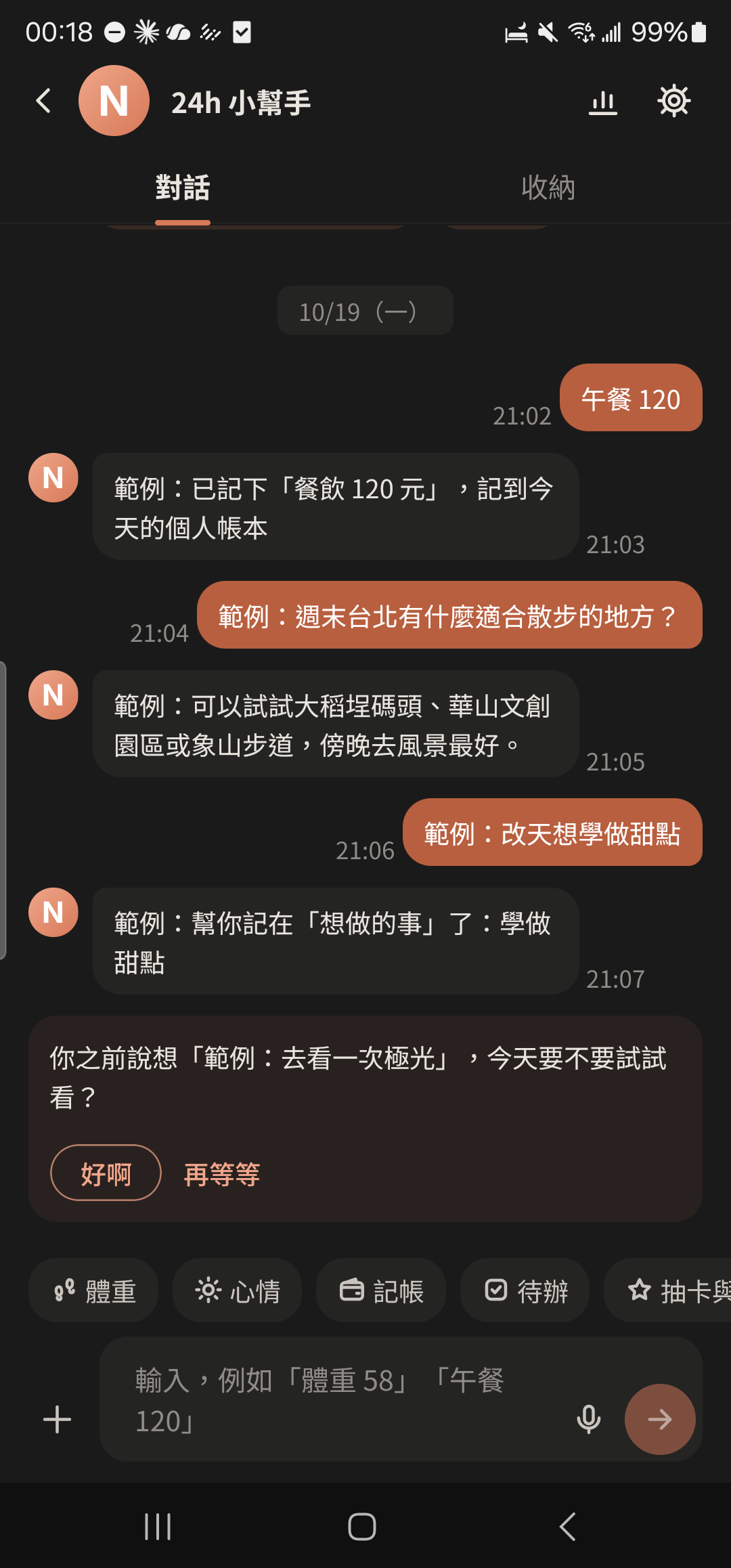
- You can turn off reminders in the Assistant settings.