Steps
Tap "Language" under "Me", then tap "Report a translation problem" at the bottom.
Screenshot coming"Report a translation problem" on the Language screen Enter which screen it was on, what it says and what seems off, then tap send (the "Translation" category is already selected).
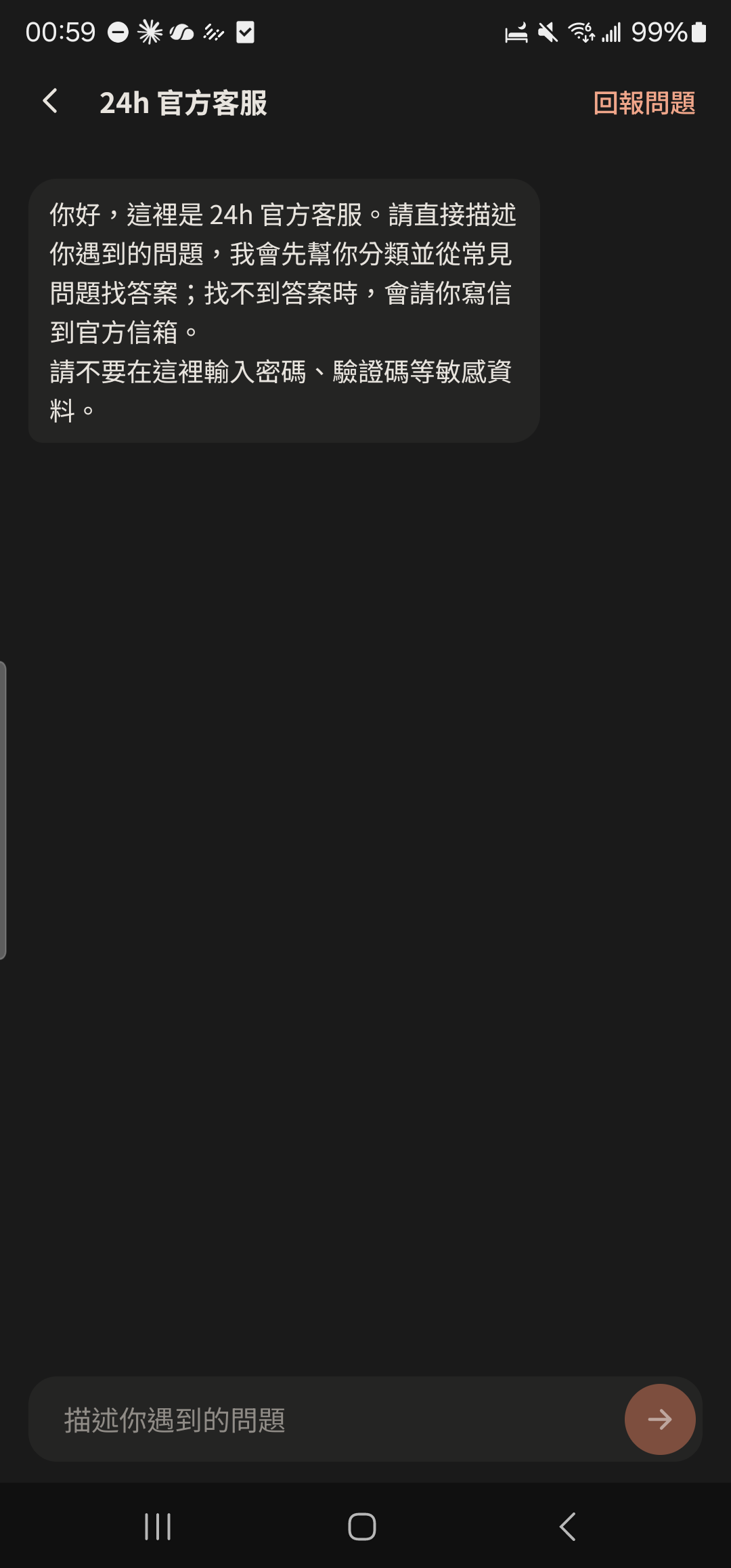
Screenshot comingDescription field in the problem report (category: Translation) Tap "Report a problem" at the top right of the Support screen and choose "Translation". This works too.
- Languages marked Beta are translated by AI and haven't been reviewed by native speakers yet. Better wording is always welcome.
- If you can't report it in the app, email 24happ.office@gmail.com. A screenshot helps.