 24h
24hSwitching to a new phone
Your data is stored in the cloud. Sign in with the same account on your new phone and it syncs back.
- 1
Open 24h on your new phone and sign in with the same Google account or email.
Screenshot comingSign-in screen on the new phone - 2
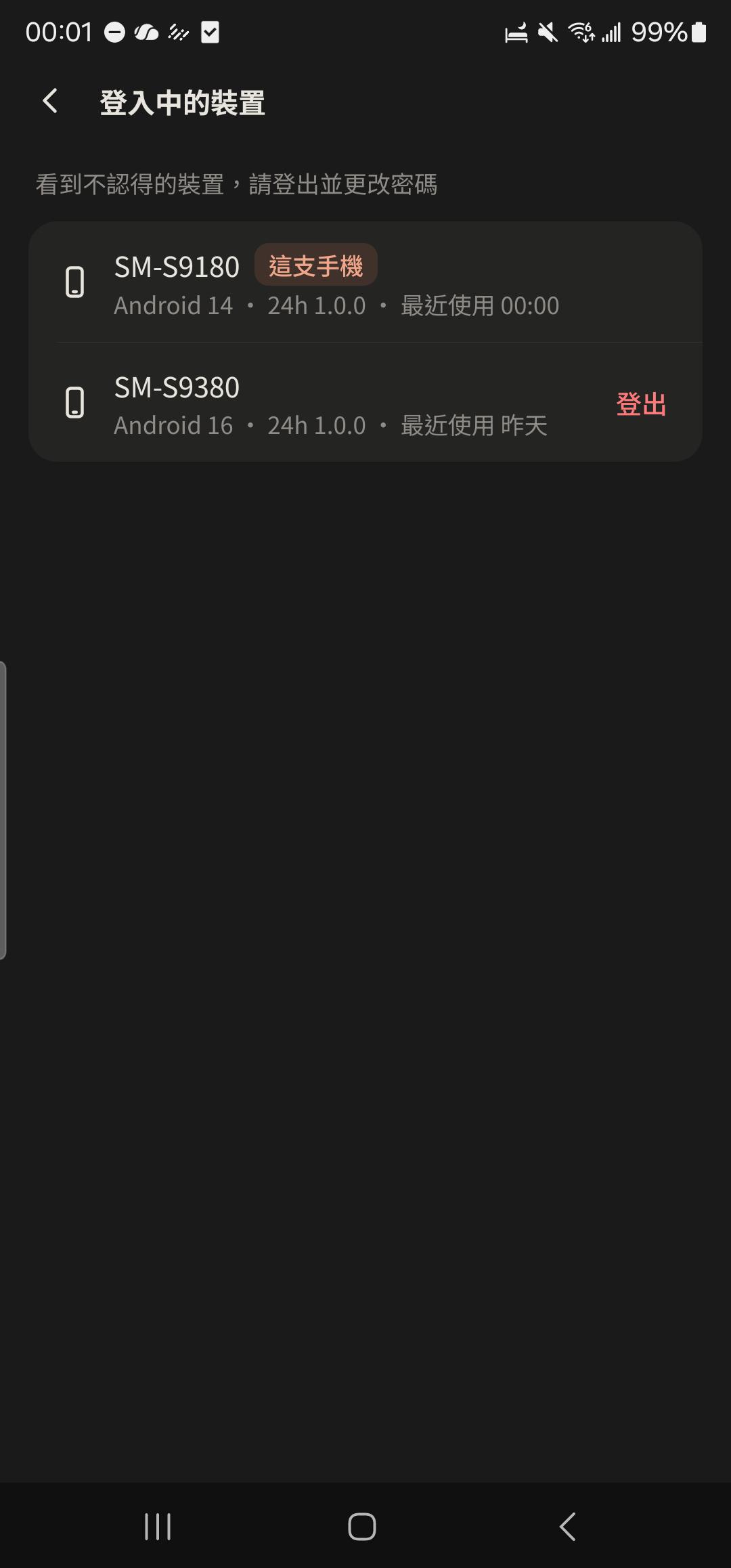
Tap "Account Security" in "Me", then tap "Signed-in Devices" and sign out your old phone.
- 3
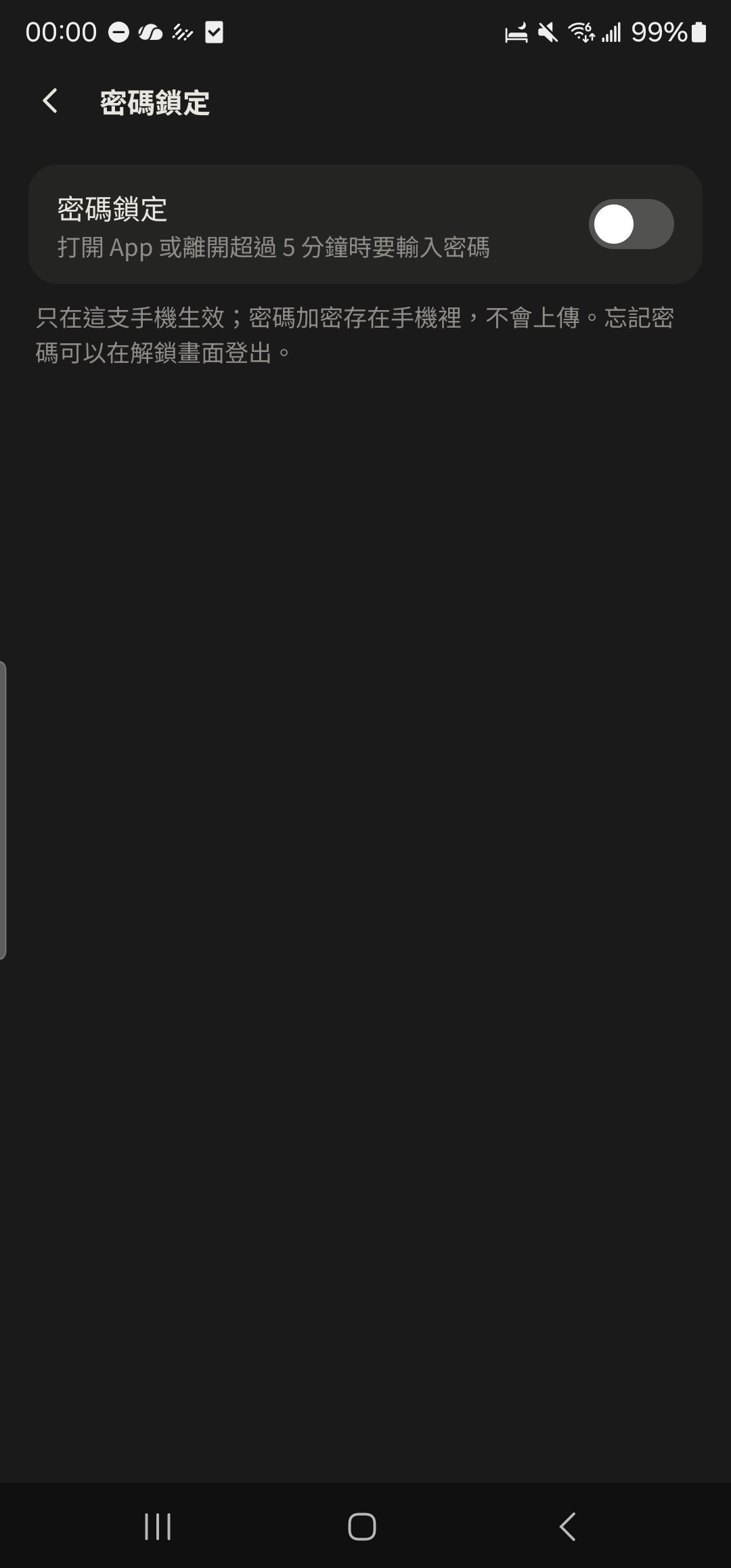
Tap "Passcode Lock" in "Me" to set it up again (the passcode was only stored on your old phone).
- Chat photos that expire after 7 days don't move to your new phone, so save important photos to the Album first.
- The iOS (iPhone) version is coming soon.