 24h
24hExport your data and delete your account
You can export your data before deleting your account. Deleting can't be undone.
- 1
Tap "Account Security" in "Me".
Screenshot comingAccount Security screen - 2
Tap "Export my data", choose JSON or CSV, and save it from the share menu.
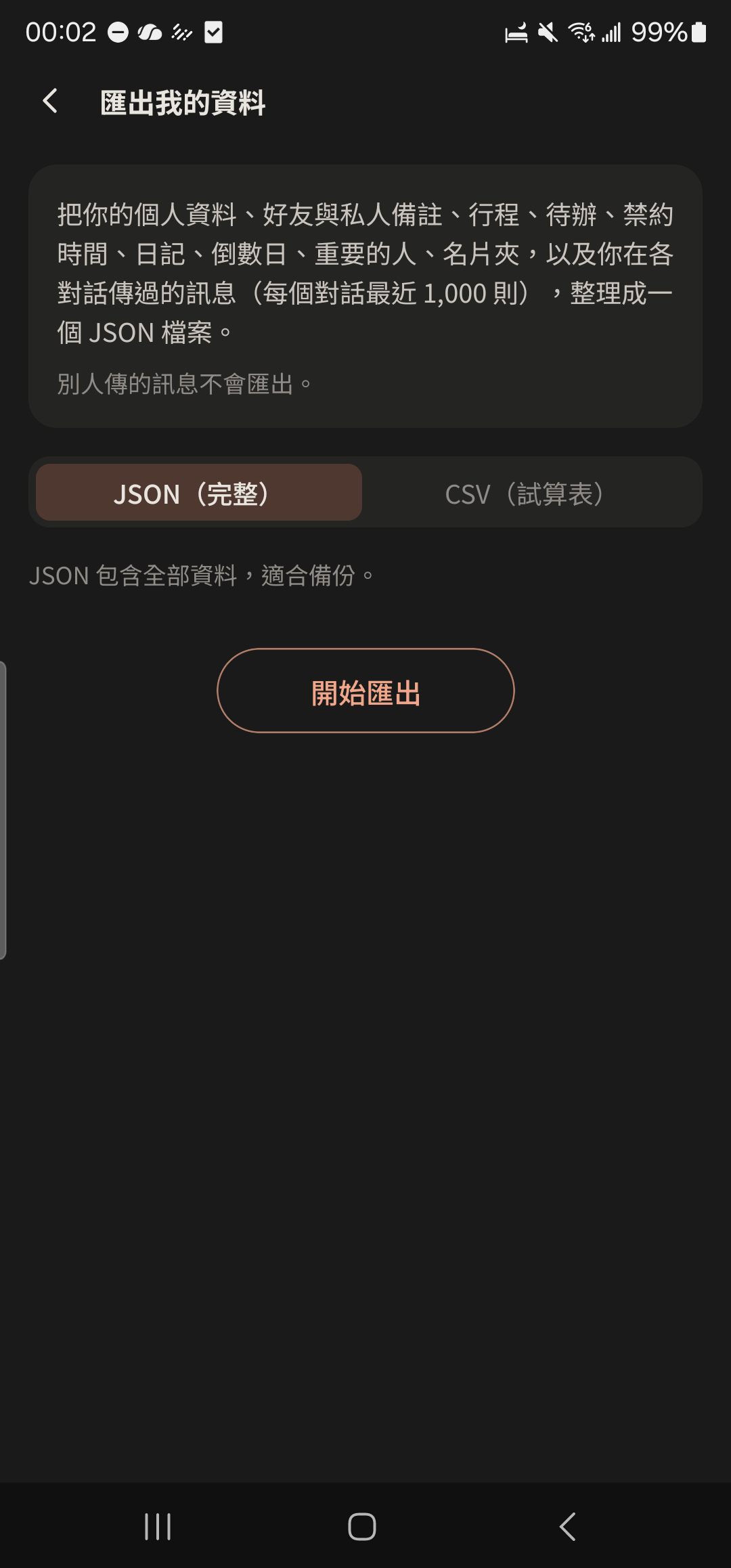
- 3
Tap "Delete account", read the reminders, and confirm.
Screenshot comingDelete account confirmation
- Photos and videos you uploaded to one-on-one and Group Albums are permanently deleted 90 days after you delete your account. Download them first if you need them.
- If you have unsettled balances, they're listed as a reminder before you delete. You can still delete your account.
- If you can't open the app, go to the account deletion request page on our website.