24h
24hPrivacy settings
Decide who can find you, who can message you, and whether to show read receipts.
- 1
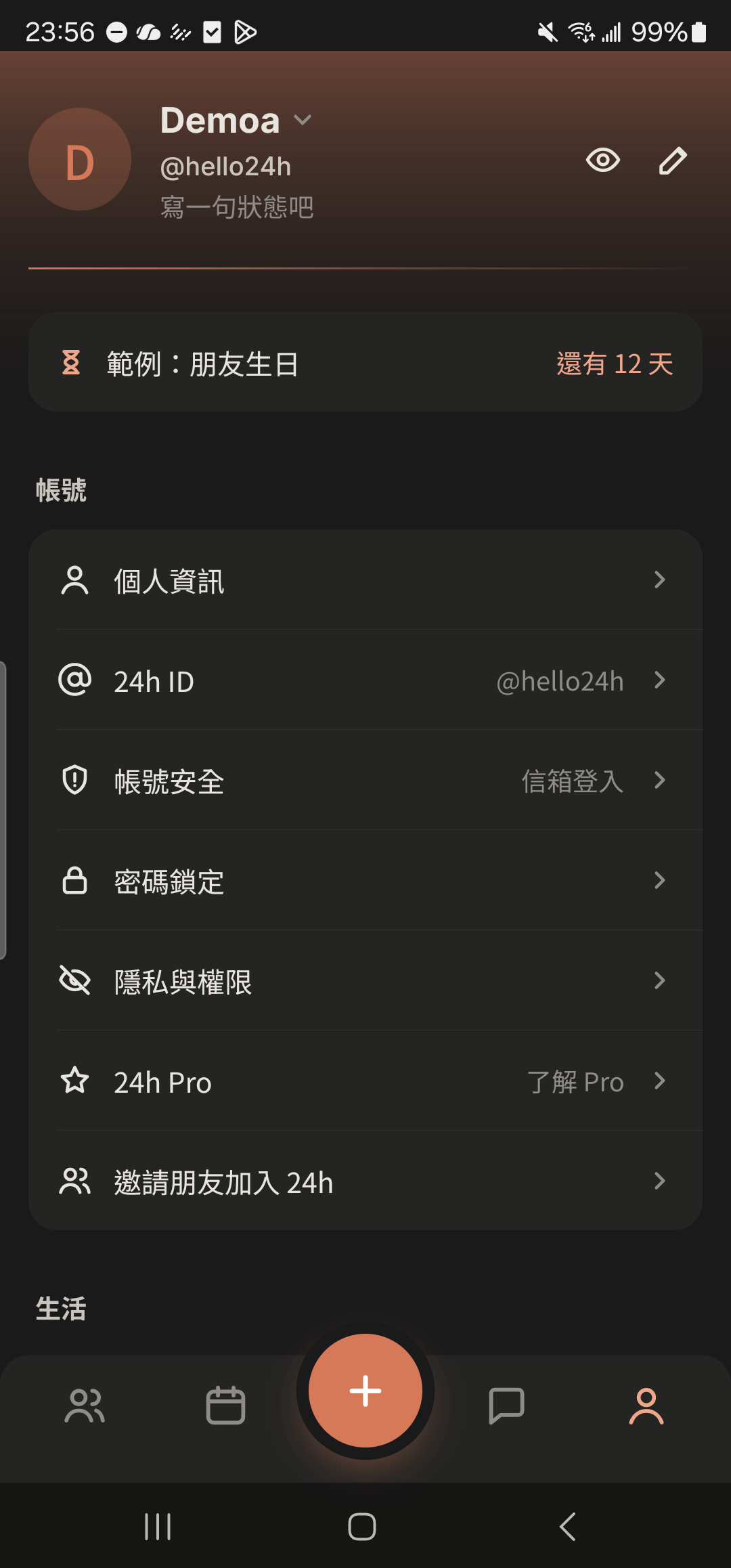
Tap "Privacy & Permissions" in "Me".
- 2
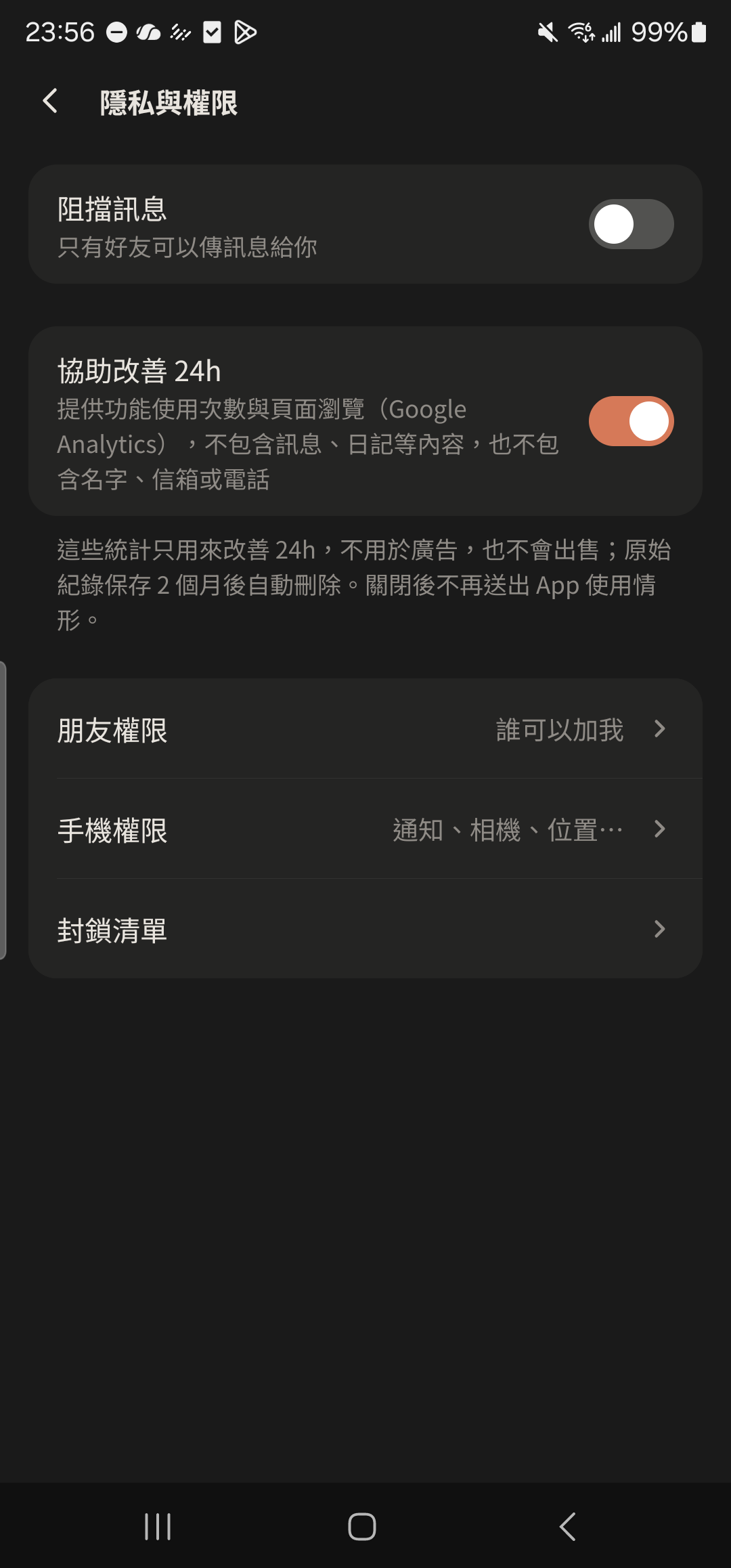
Turn on "Block Messages" so people who aren't your friends can't message you.
- 3
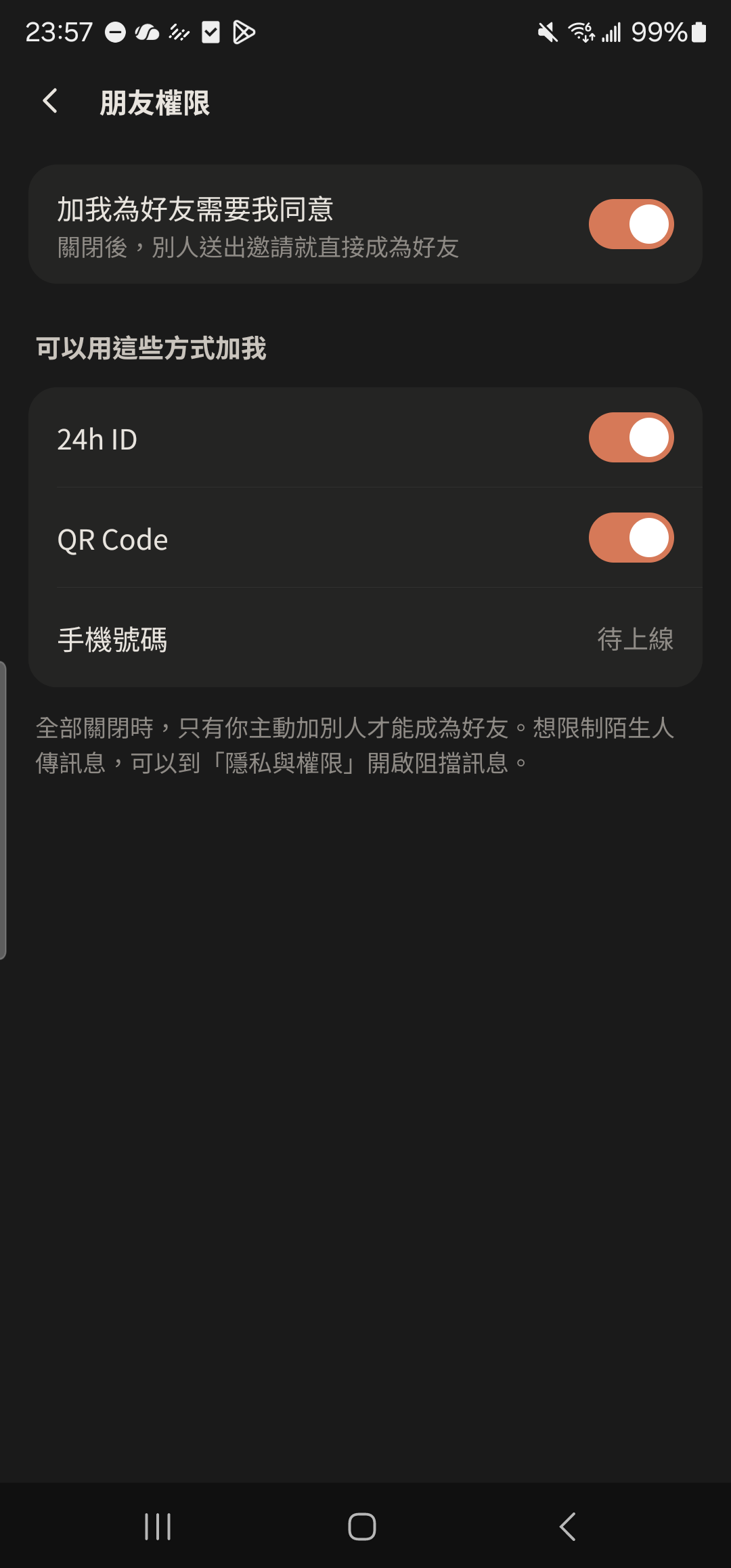
Tap "Friend Permissions" to choose whether others can add you by 24h ID or QR code, and whether friend requests need your approval.
- 4
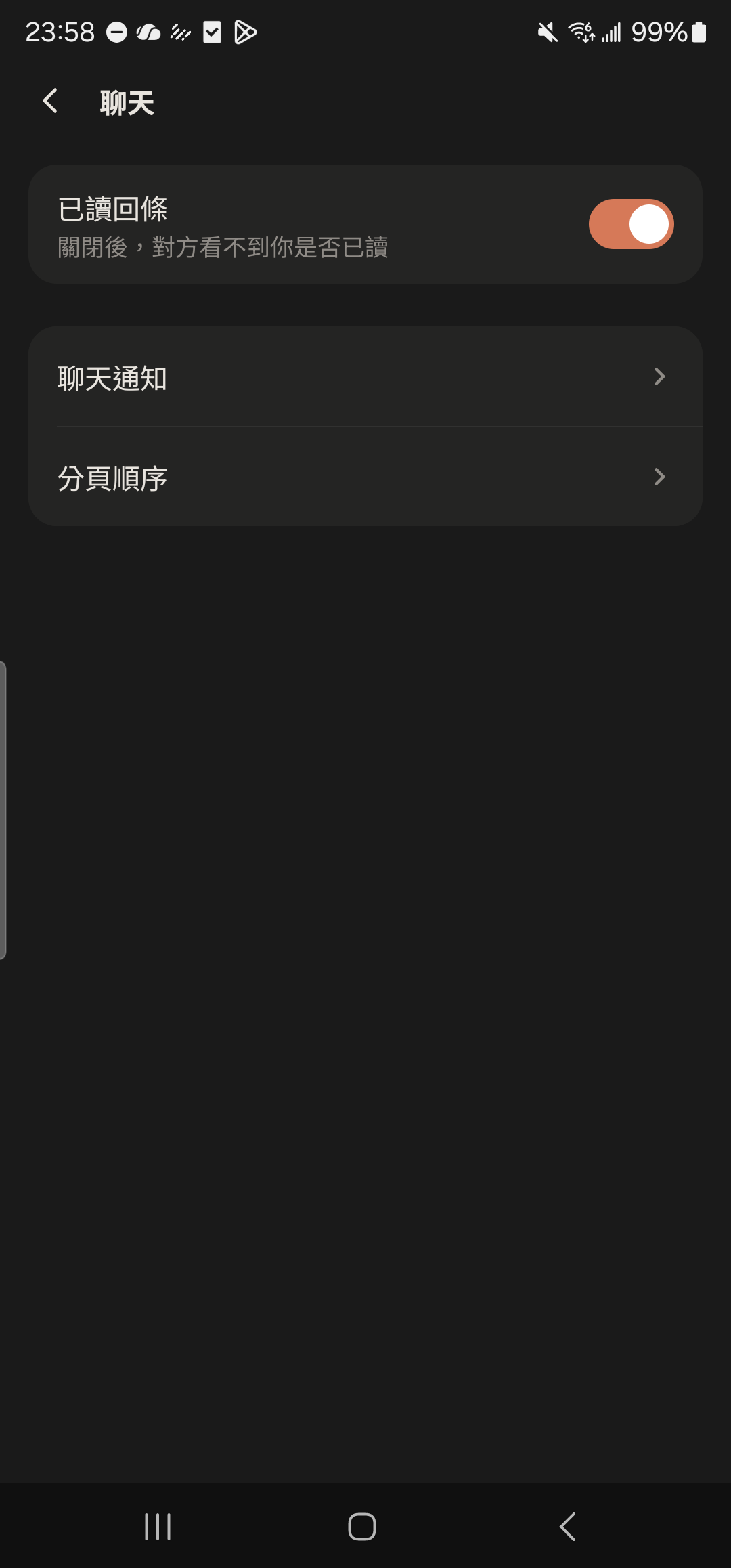
Tap "Notifications" in "Me" and turn off "Read Receipts" so others can't see whether you've read their messages.