 24h
24hCheck and manage your storage
See how much storage you've used, and delete old files when it's full.
- 1
Tap "Usage & Storage" in "Me" to see how much storage you've used (1GB on the free plan, 10GB on Pro).
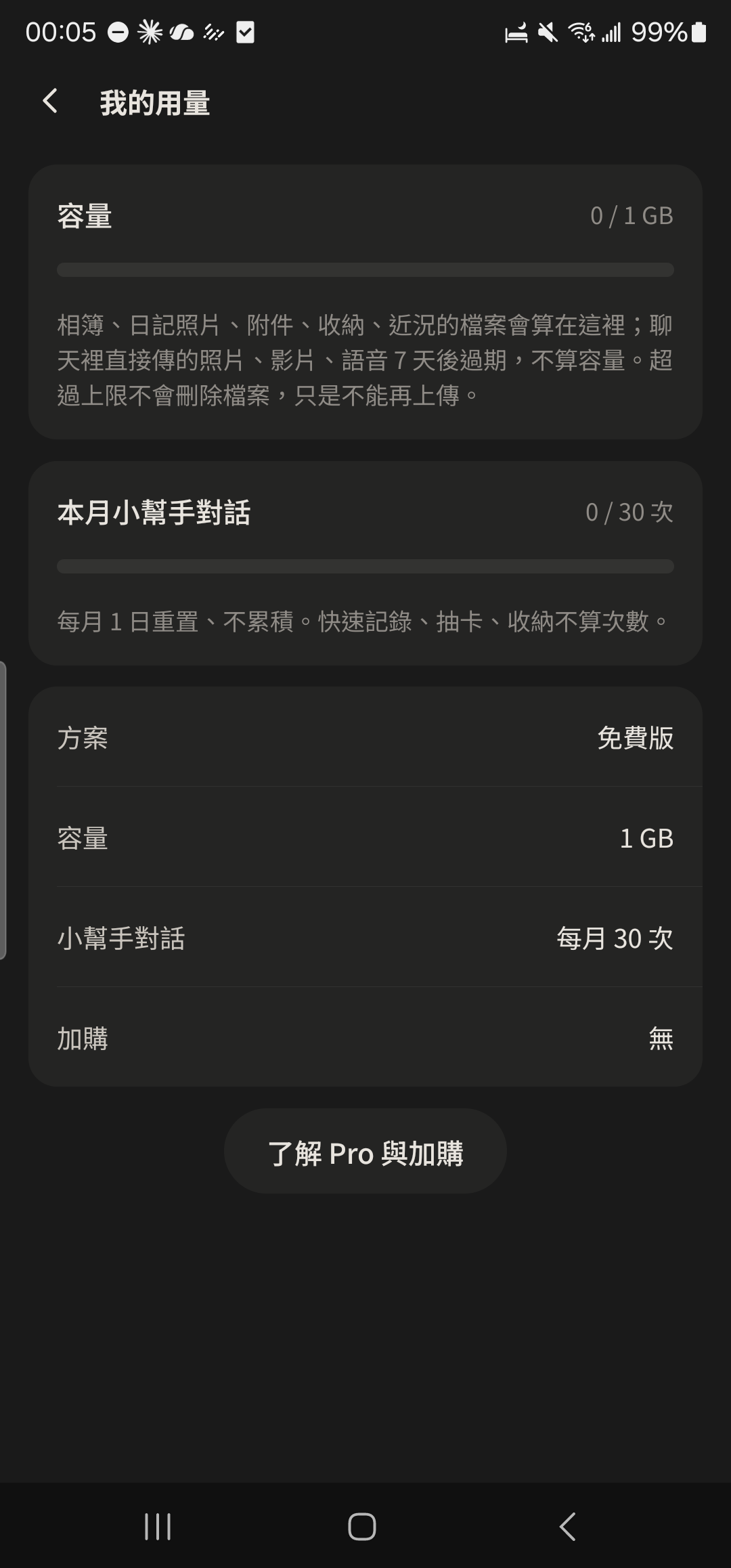
- 2
Go to a chat's "Album", your Diary, or Stash to find photos or files you don't need.
Screenshot comingPhoto grid on the Album screen - 3
Press and hold a photo or file you don't need and choose Delete.
Screenshot comingDelete option after pressing and holding an Album photo
- Going over the limit won't delete any files; you just can't upload more. Photos sent directly in chats don't count toward storage.