 24h
24hClose Ones and Anniversaries
Invite family, your partner, or good friends to be Close Ones, keep track of Anniversaries together, and answer a daily question.
- 1
Tap "Close Ones" in "Me".
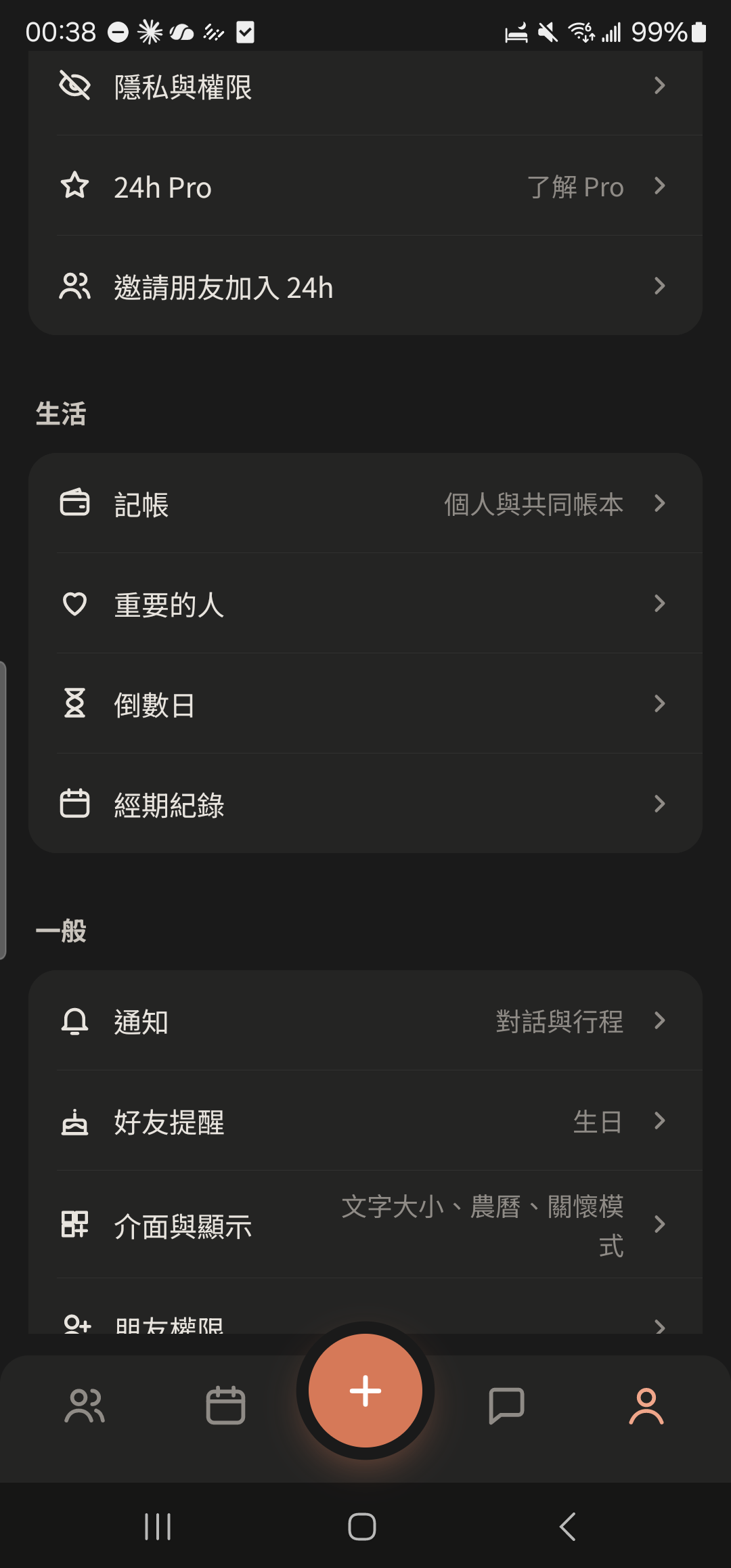
- 2
Tap "+ Add Close One", enter your relationship, choose a friend, and send the invite.
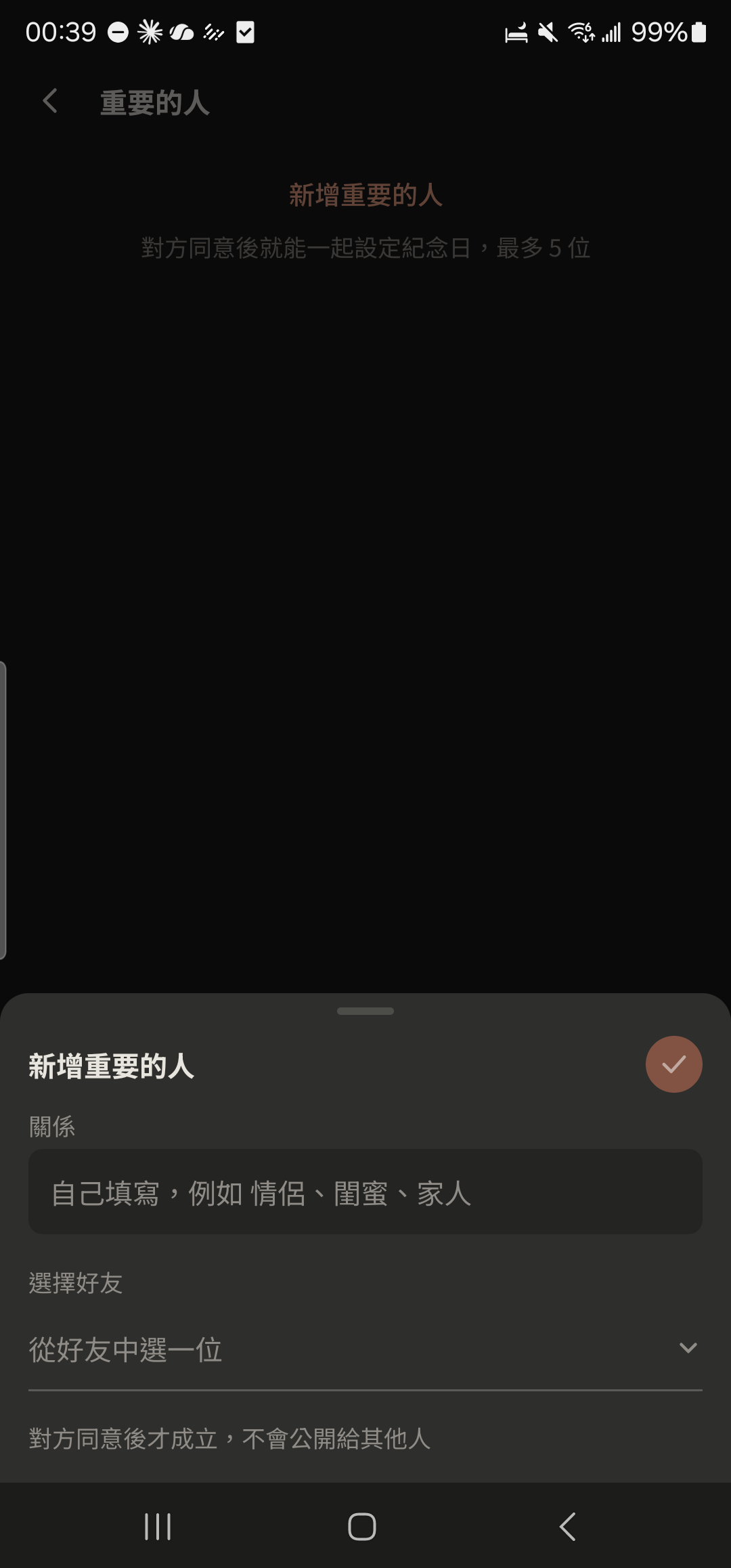
- 3
Choose a profile photo at the top of the Close Ones screen to switch to that Close One (they appear only after they tap "Agree").
Screenshot comingClose Ones invite card in a chat - 4
Tap the + at the top right of the Close Ones screen, choose the relationship, and enter what you did together and the date to add an Anniversary.
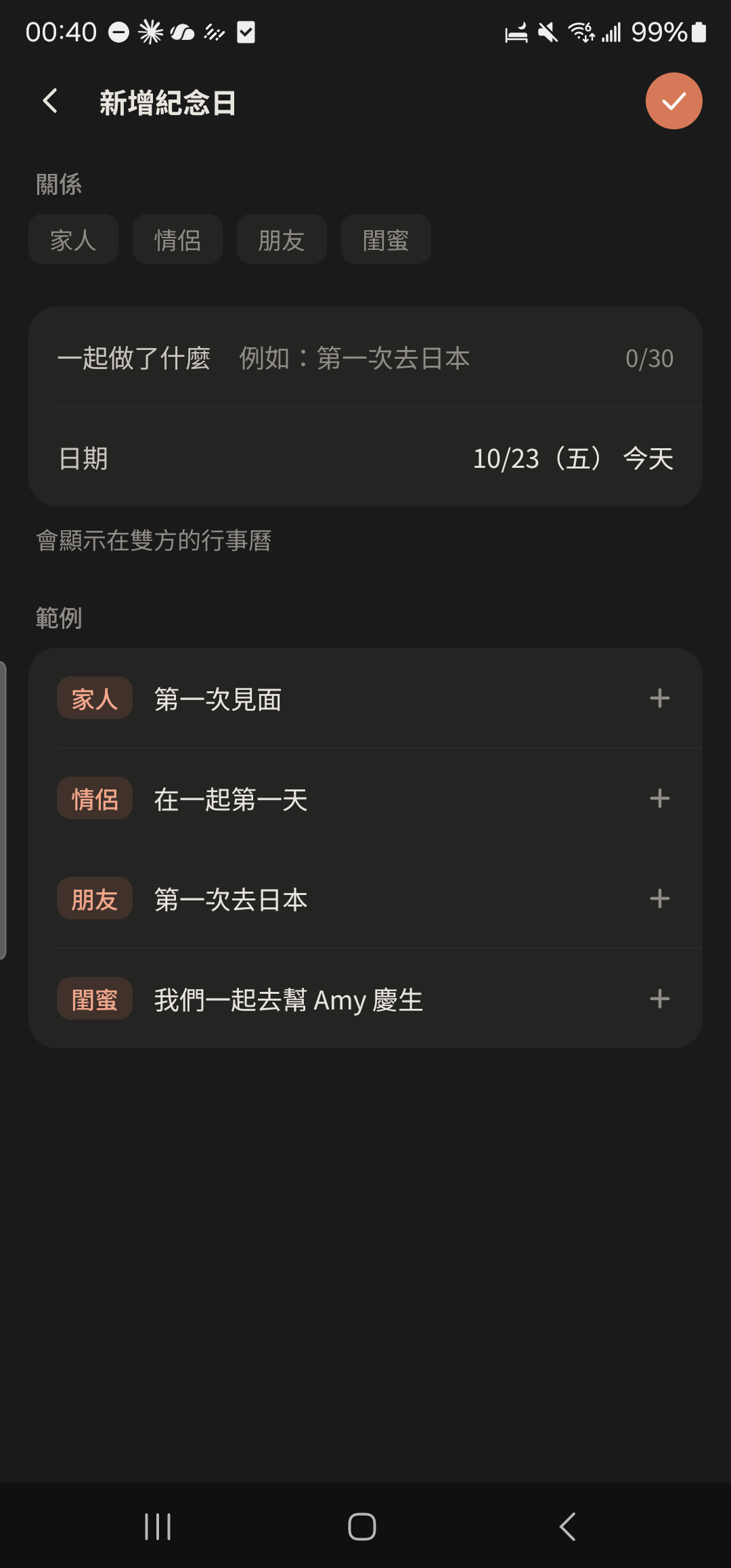
- Anniversaries repeat every year, both of you can see them, and they show on your Calendar. The free plan allows up to 5 Close Ones; Pro has no limit.
- When you have only 1 spot left, you need to accept or decline invites you've received before you can invite someone else. When you have enough spots, you can send several invites at once.