 24h
24hWrite a Diary and share Today's Mood
Write a Diary in your Calendar, pick Today's Mood, and share your mood with your Close Ones.
- 1
Tap "Write Diary" on that day in the "Calendar", or tap + and choose "Diary".
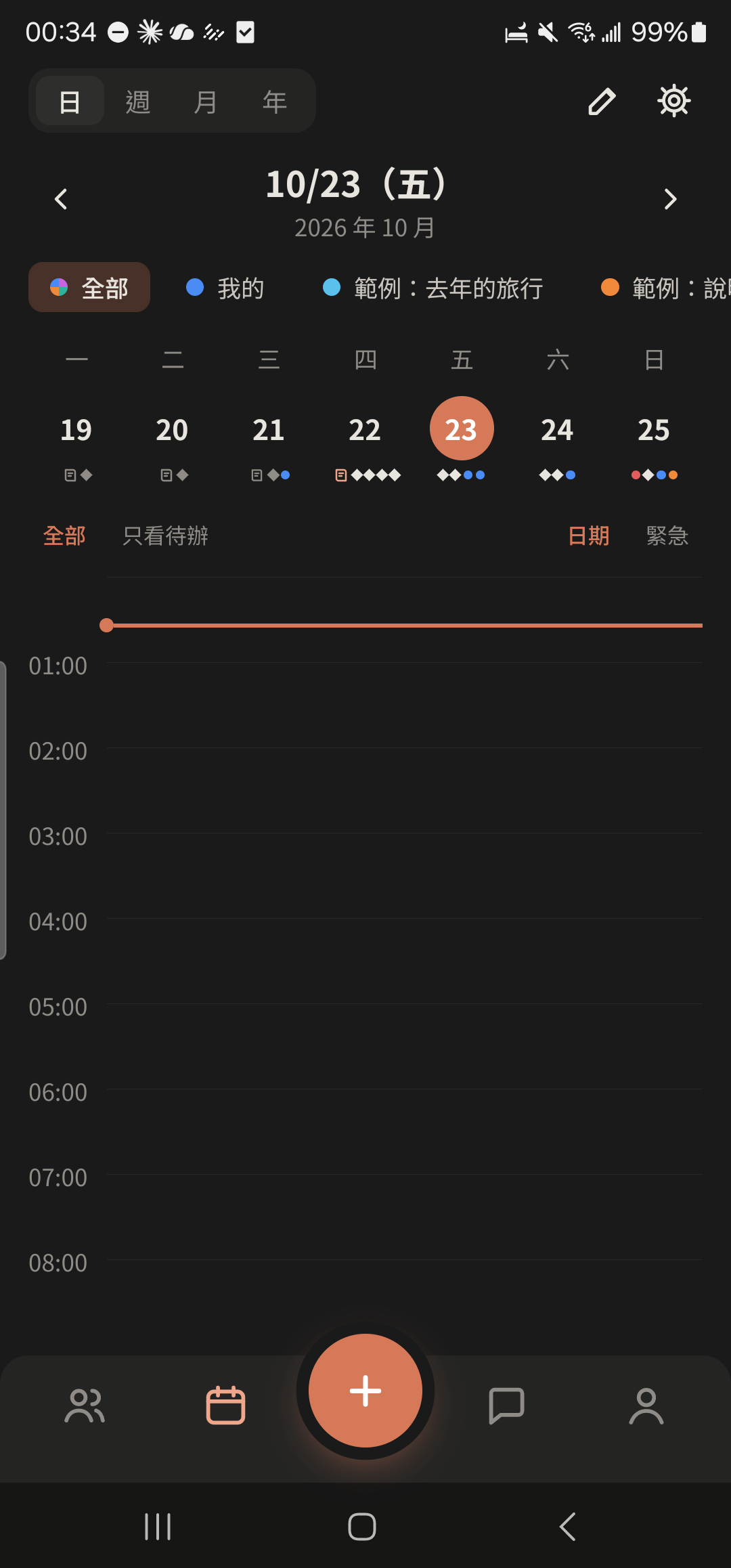
- 2
Tap "Today's Mood" and choose from three groups: sunny, cloudy, and rainy (you can pick more than one).
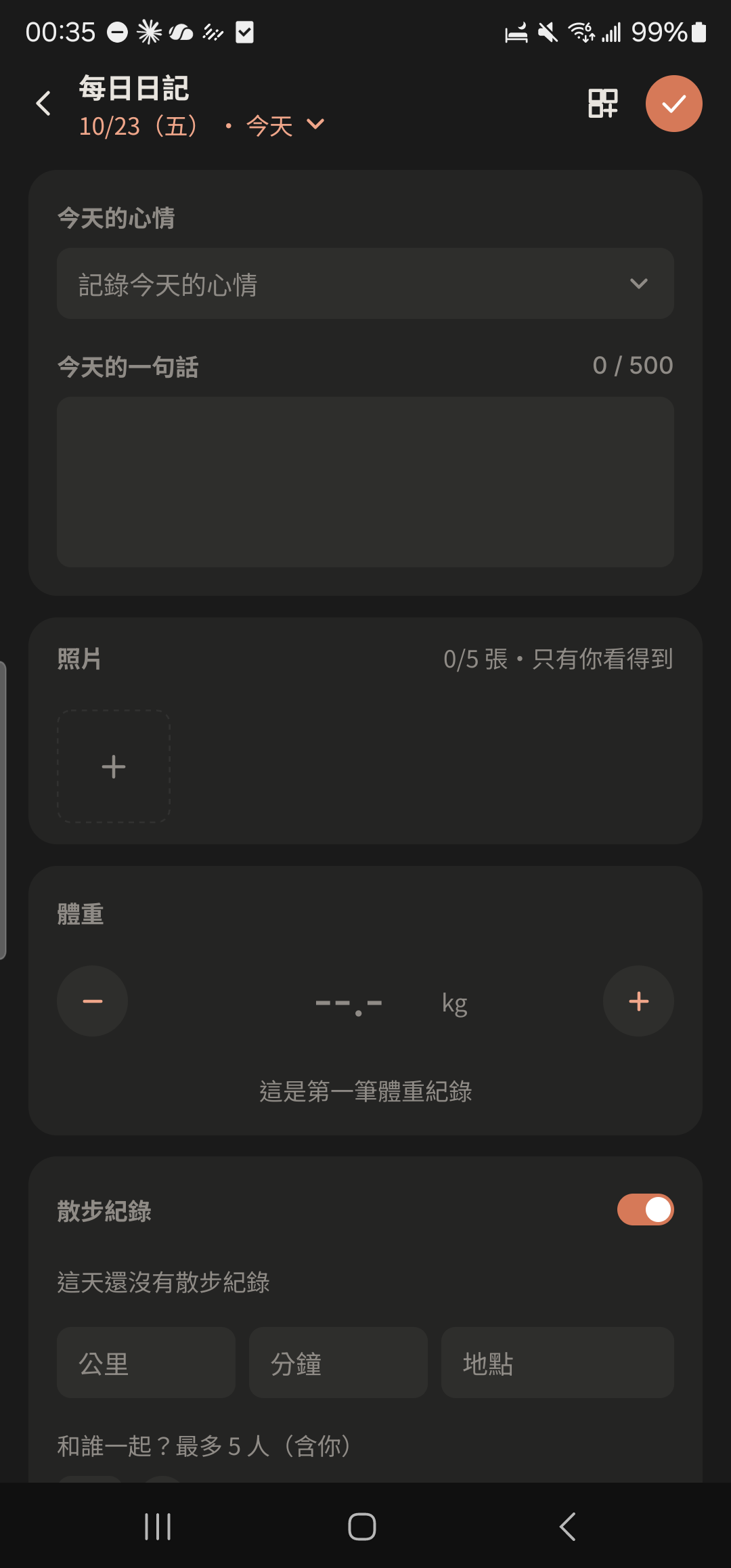
- 3
Enter "Today's quote", and log your weight, BBT, walk, or spending if you like.
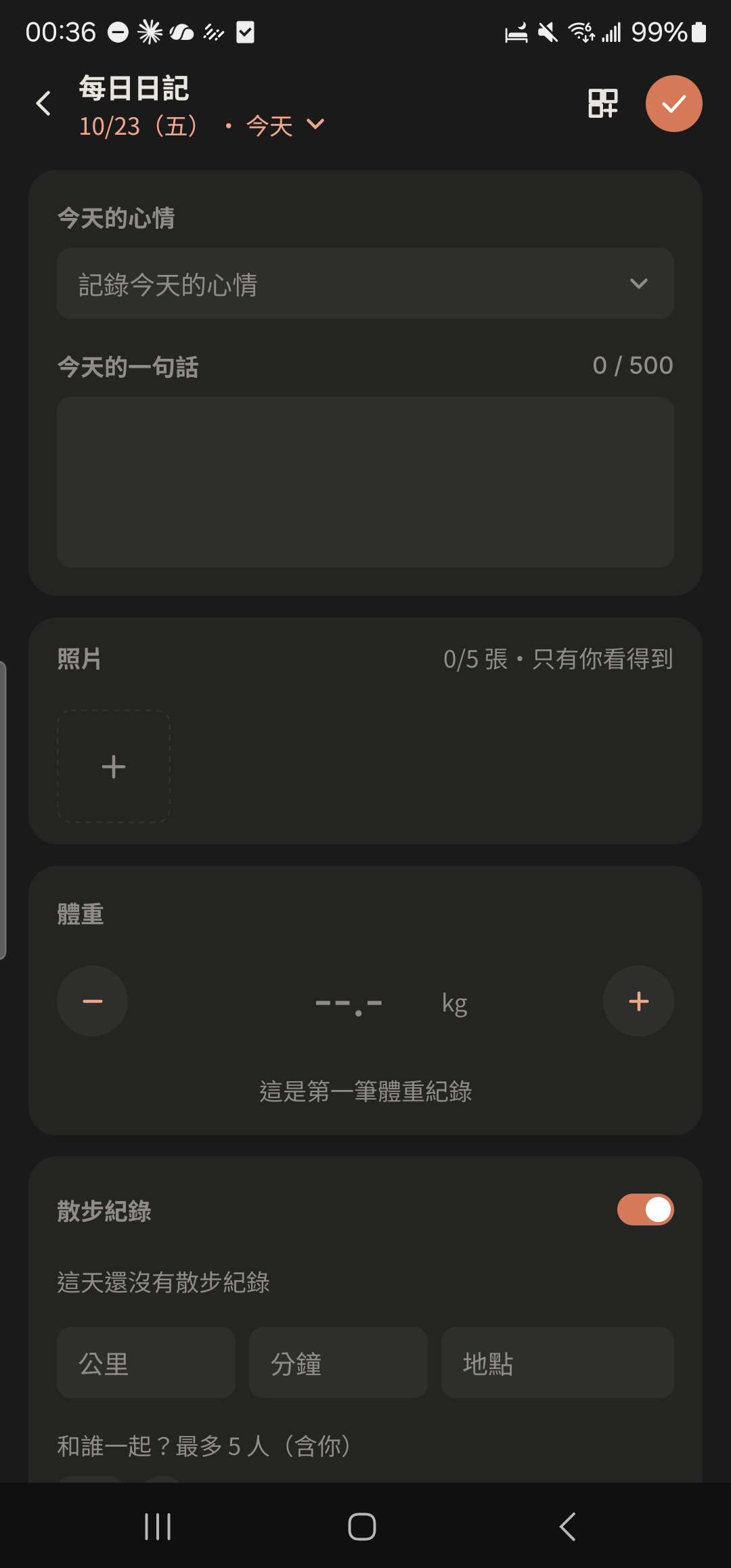
- 4
Just tap back to leave. Your Diary saves automatically when you stop typing.
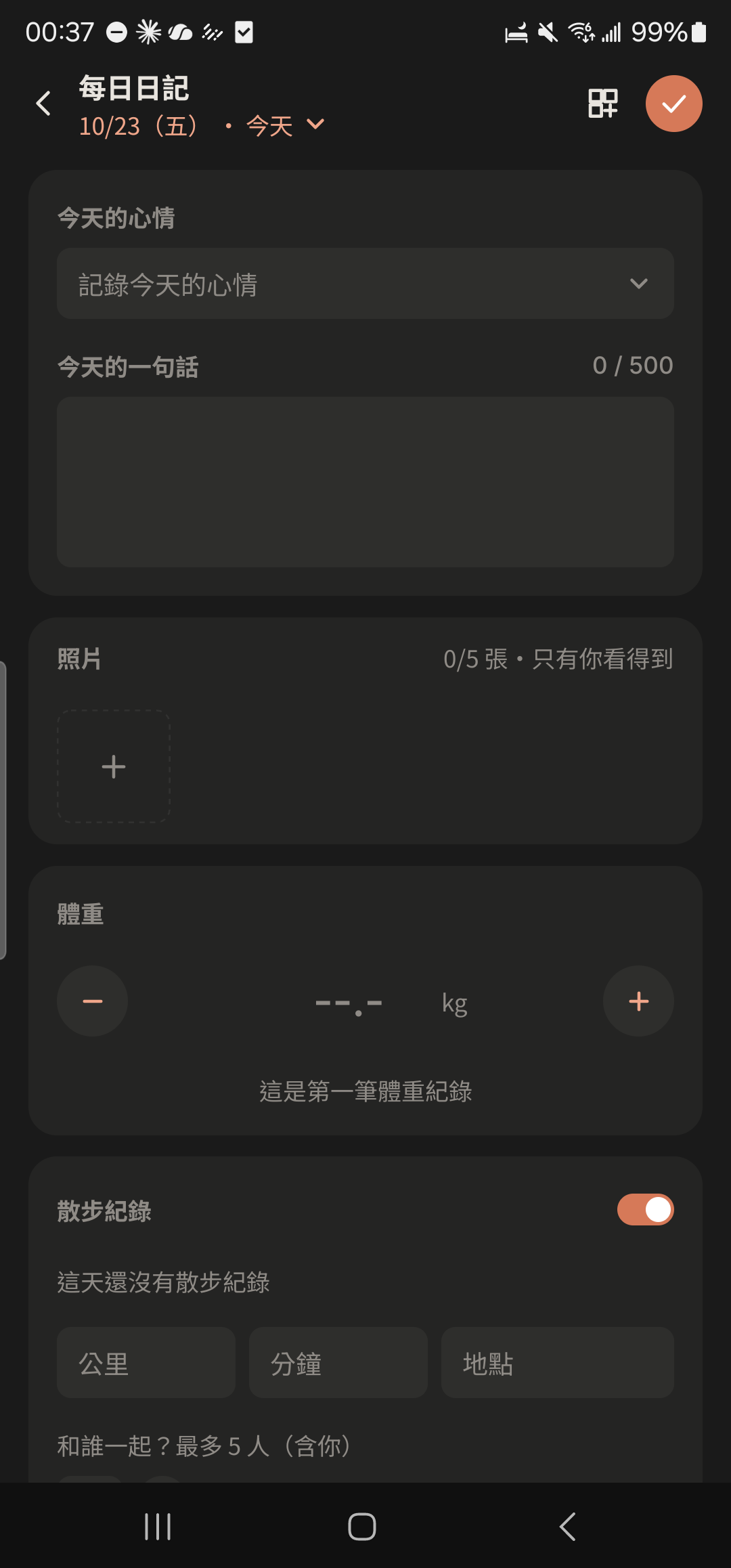
- 5
Tap "Share" and choose Close Ones or friends. They'll see a Mood Bubble on your profile photo, which disappears automatically at 23:59 that day.
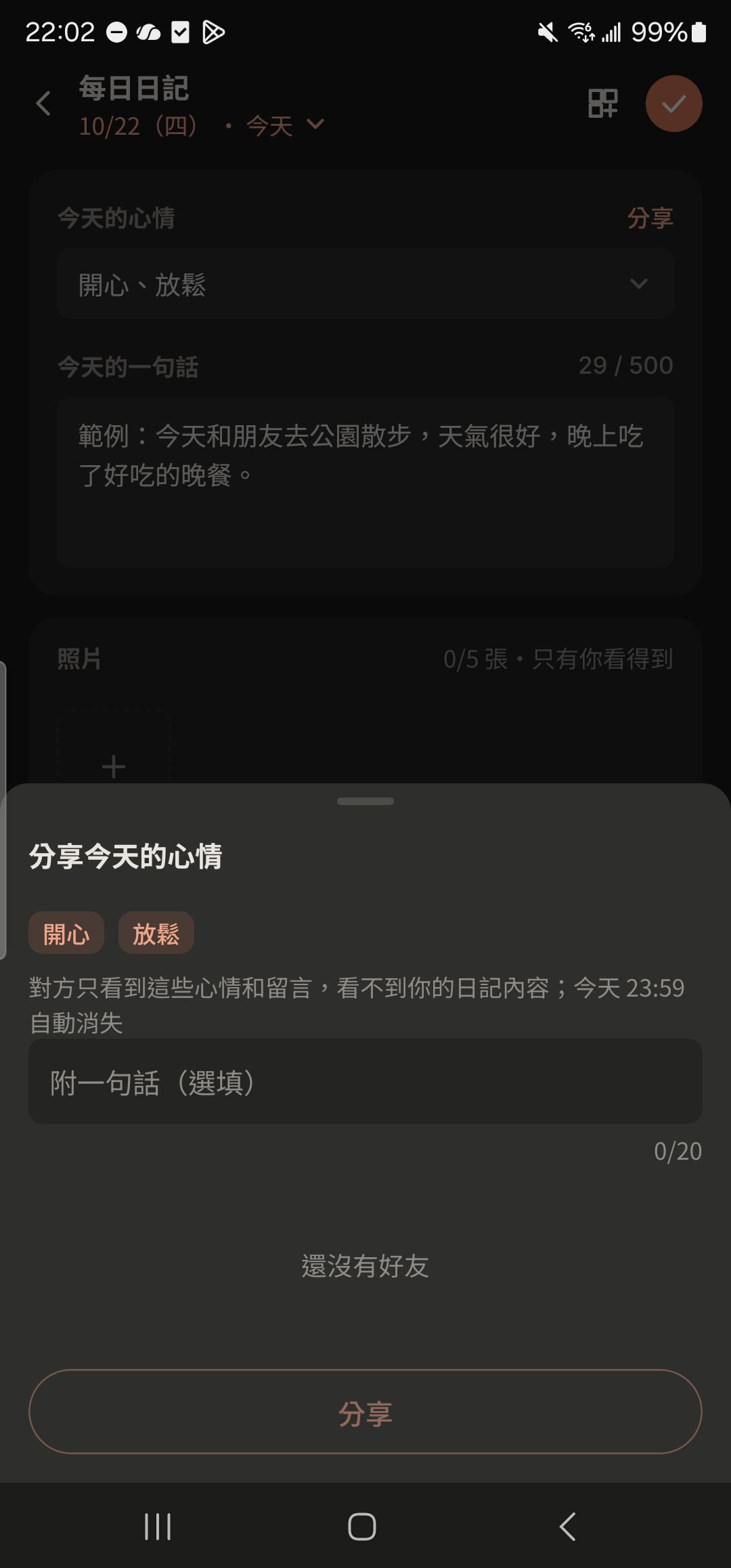
- Only you can see your Diary. Only your mood and message are shared, never your Diary content.
- Tap "Customize Diary Sections" to reorder or hide sections you don't use, such as BBT.