 24h
24hTo-dos, priorities, and daily check-ins
Add To-dos, set how urgent they are, and check in daily on repeating To-dos.
- 1
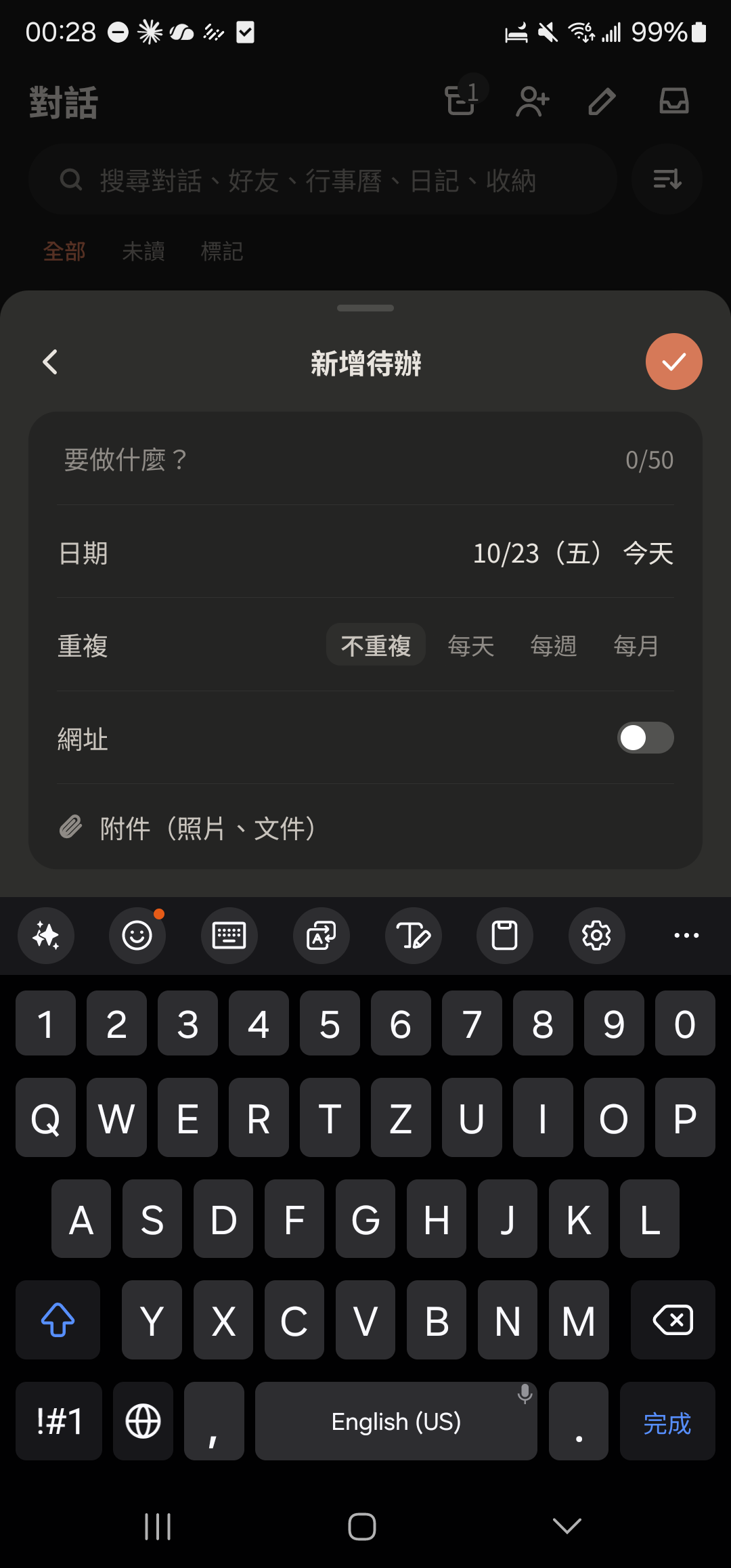
Tap the + at the bottom center and choose "To-do".
- 2
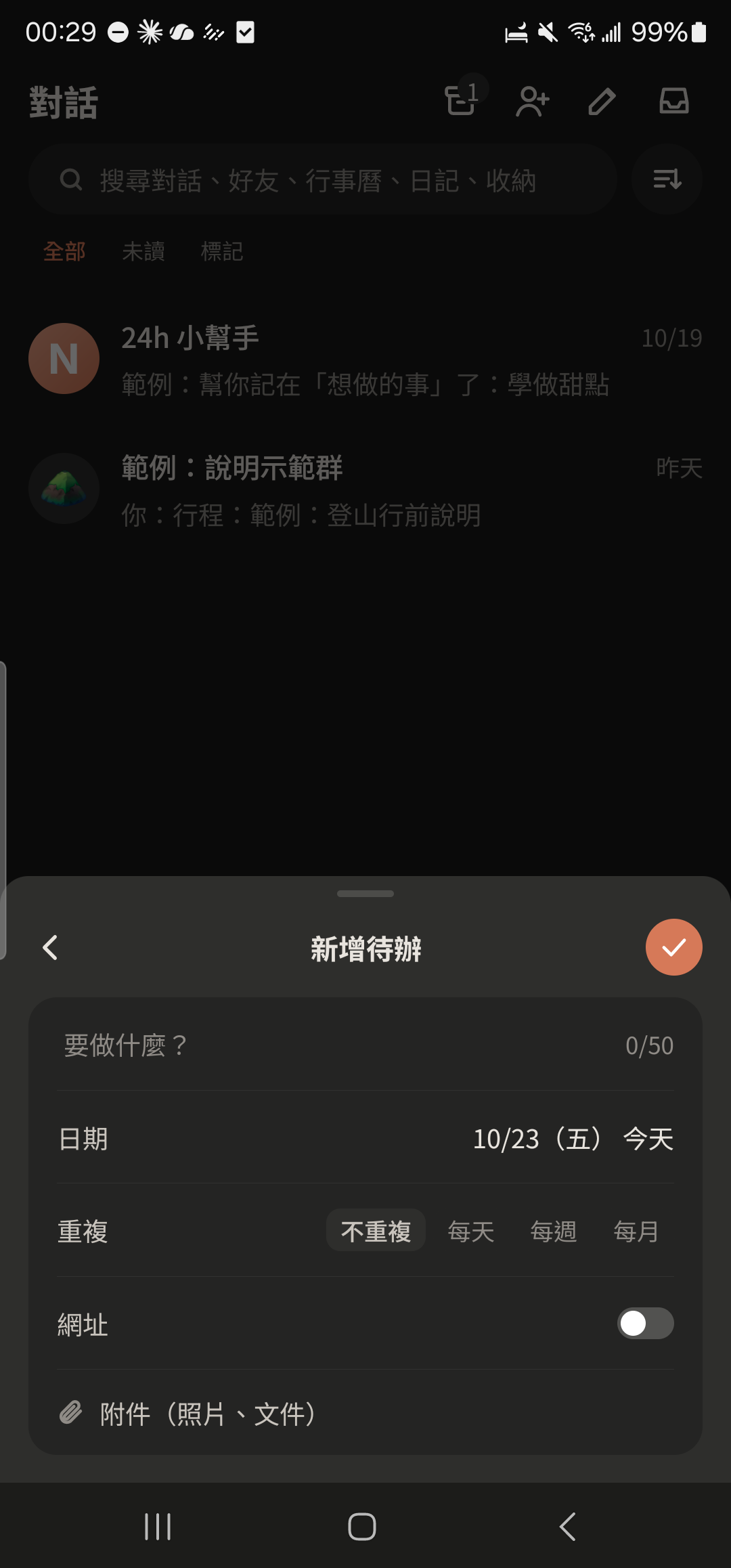
Enter what you need to do (up to 50 characters) and choose a date.
Screenshot comingAdd To-do screen with the task and date filled in - 3
Choose "Repeat" (daily, weekly, monthly) to check in on it as a habit.
- 4
Tap the P2 tag in front of a To-do to change it to P0 (most urgent) or P1 (important).
Screenshot comingTo-do row in the Calendar, P0/P1/P2 tag highlighted - 5
Tap a To-do once to complete it (it gets a strikethrough). Press and hold to edit or delete it.
Screenshot comingCompleted To-do and the 7 small circles on a repeating To-do
- Only you can see your To-dos.
- Choose "Urgent" at the bottom of the Calendar to sort To-dos by priority, or "To-dos only" to see just your To-dos.