 24h
24hFreeze a project Group
When an event or shoot wraps up, set the whole project to read-only to keep it. You can still view and search it later.
- 1
Tap "Manage Group" in the menu at the top right of the Main Group.
Screenshot comingManage Group screen - 2
Tap "Freeze Project" and confirm. The Main Group and all Subgroups become read-only.
Screenshot comingFreeze Project confirmation - 3
Tap the archive icon at the top right of the "Chats" tab to find Frozen projects.
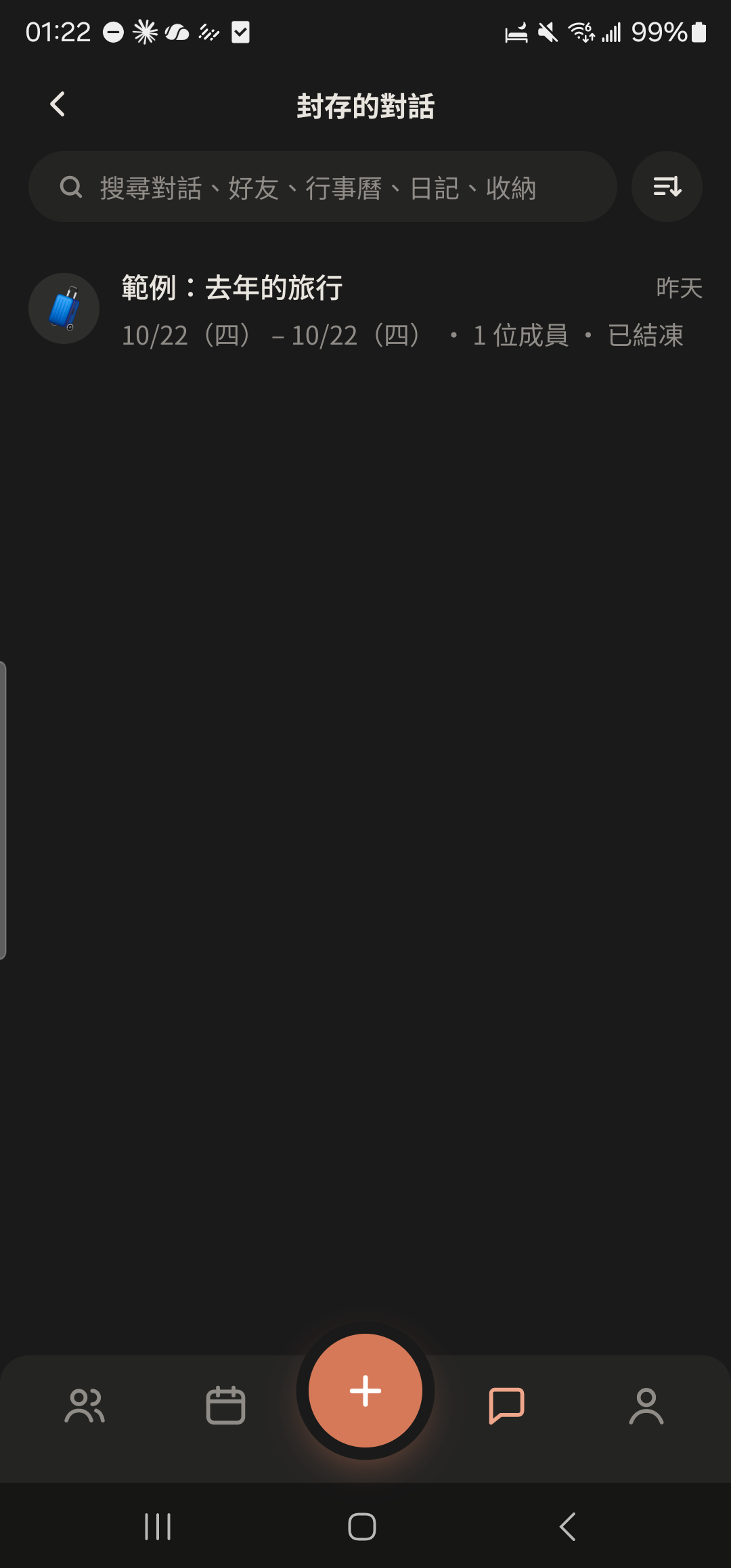
- 4
Tap "Unfreeze" (only the Main Group creator sees this) to let the Group send messages again.
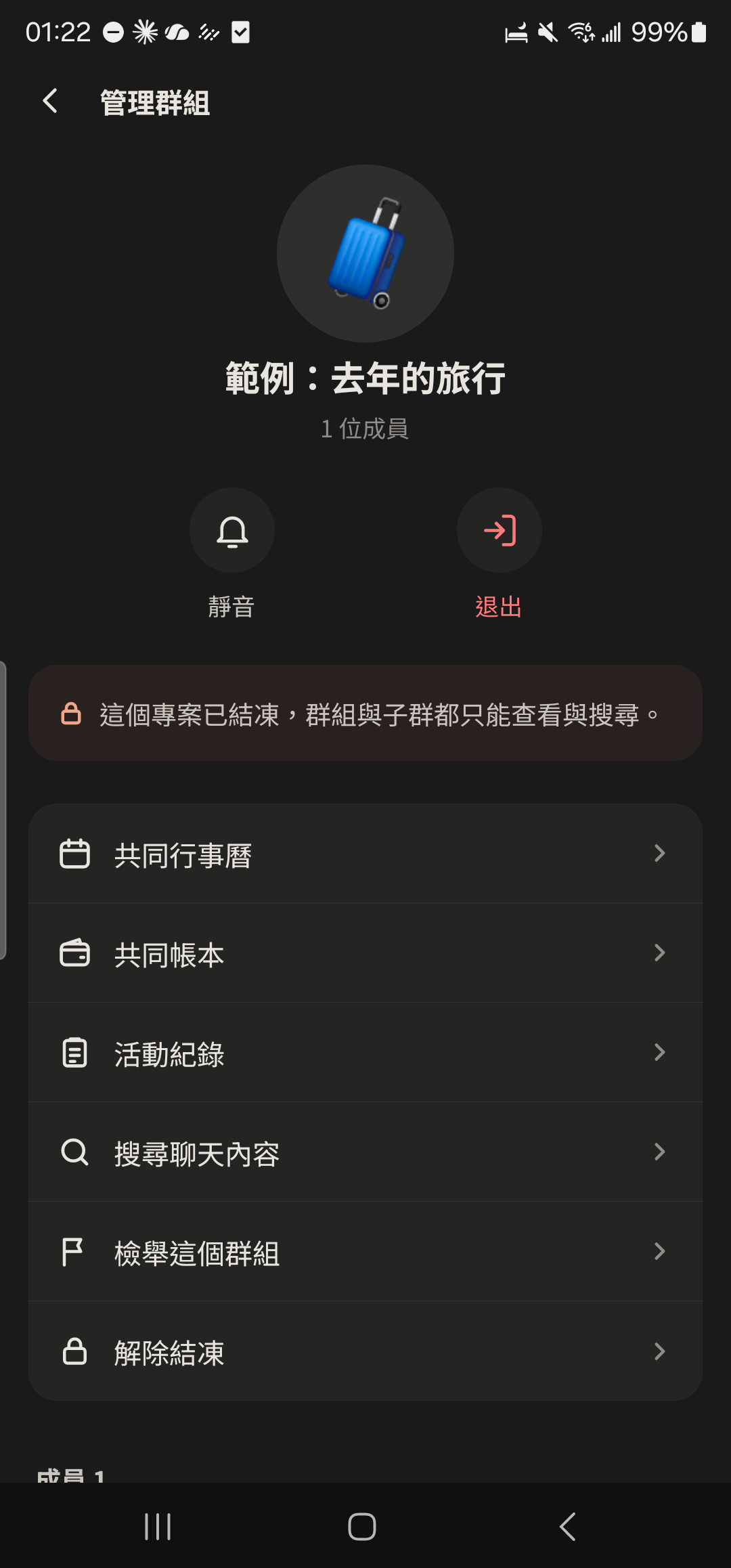
- Only the Main Group creator can freeze or unfreeze. You can still view the Calendar and Ledger while it's Frozen.