 24h
24hSend, reply to, and unsend messages
Send text, reply to a specific message, and unsend a message within 24 hours if you made a mistake.
- 1
Tap a chat in the "Chats" tab, or tap "Chat Now" on a friend's profile.
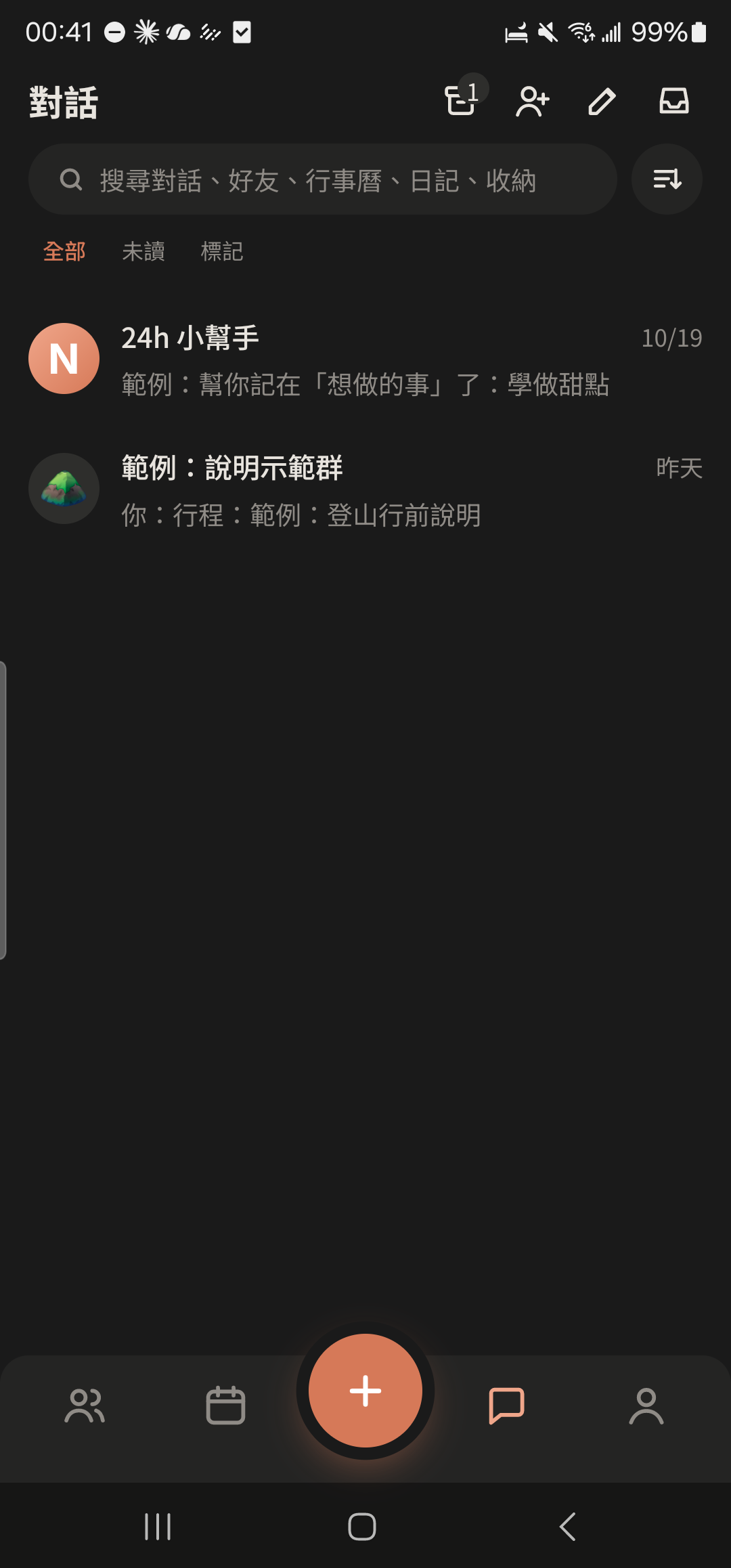
- 2
Type your message, and an orange send button appears on the right of the input box. Tap it to send. Enter on the keyboard adds a new line and doesn't send.
Screenshot comingChat input bar, the send button that appears once you type highlighted - 3
Tap the input box again while typing (or tap the expand icon at the top right once you have 2 or more lines) to open the large editor, where you can use bold, strikethrough, italic, and underline.
Screenshot comingLarge editor with B, S, I, U format buttons at the bottom - 4
Press and hold a message and choose "Reply" to quote it.
Screenshot comingMenu after pressing and holding a message, "Reply" highlighted - 5
Press and hold a message you sent within the last 24 hours and choose "Unsend Message".
Screenshot comingMenu on your own message, "Unsend Message" highlighted
- Press and hold the send button to schedule a message.
- Photos, voice messages, and cards can be unsent too. See Unsend messages.