24h
24hOrganize your chats list: Pin, Archive, Mark as Done
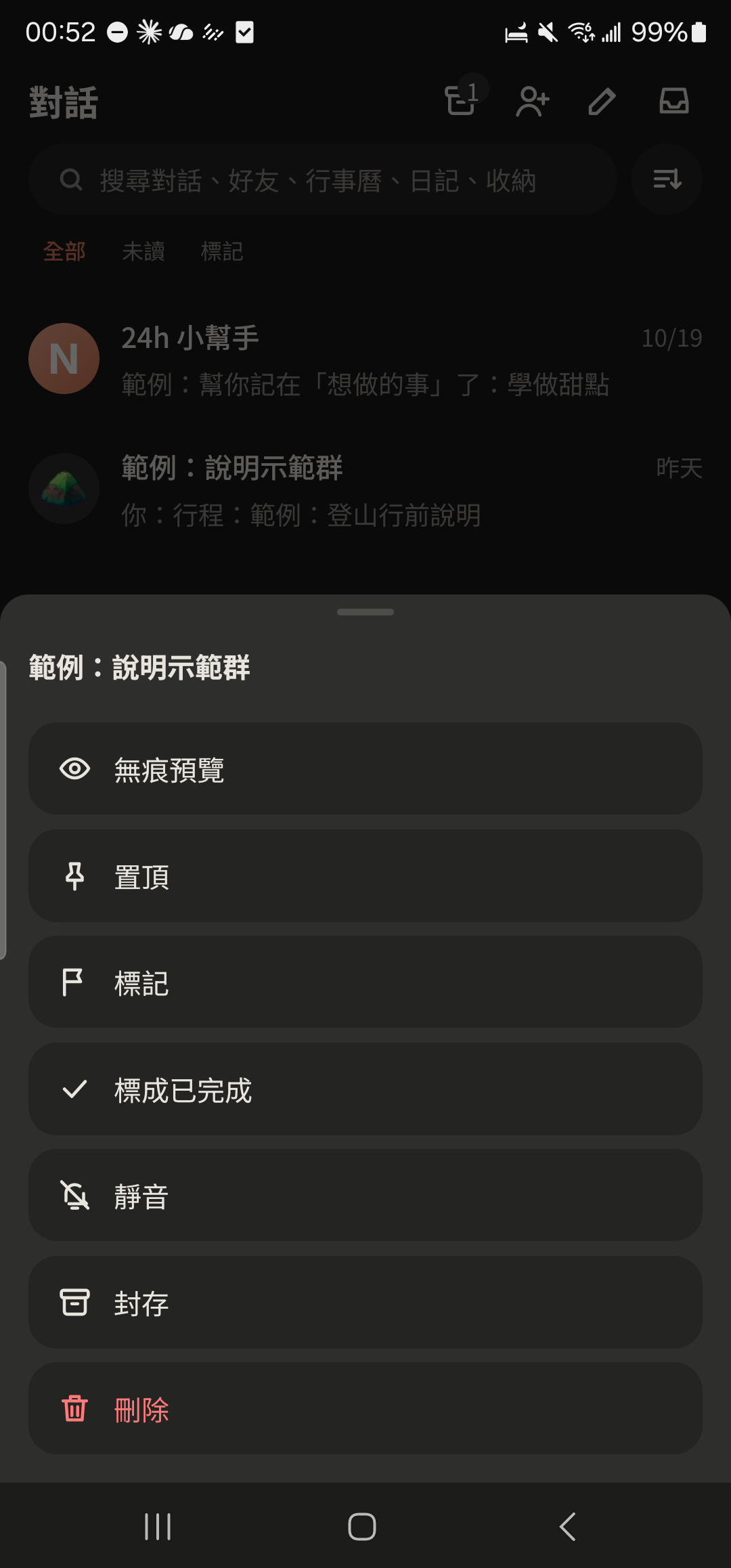
Press and hold a chat to Pin it, archive it, mark it as done, or take a peek with Silent Preview without showing as read.
- 1
Press and hold a chat and choose "Pin". It moves to the top.
- 2
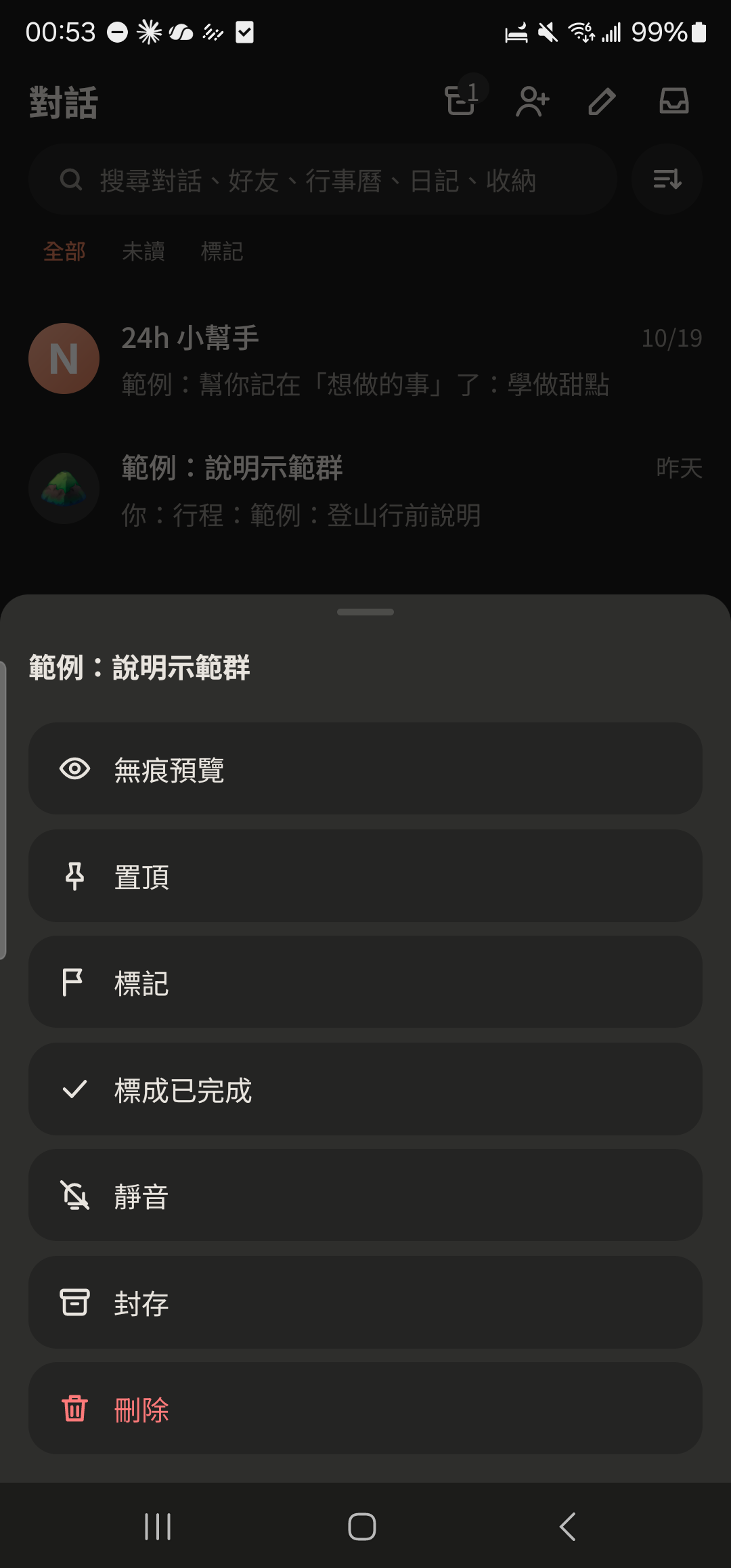
Choose "Archive" to move the chat to your archive. It won't pop back up even when new messages arrive.
- 3
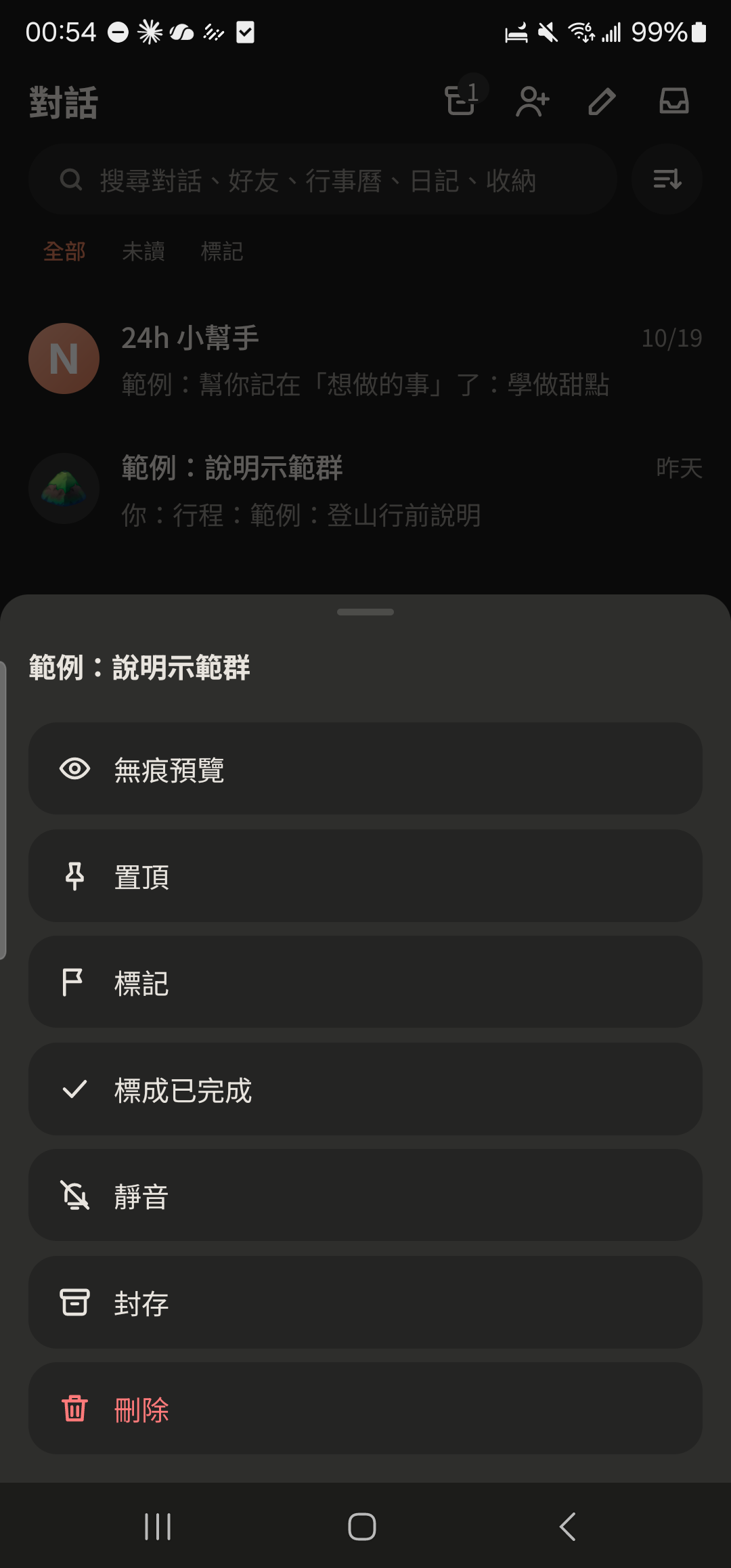
Choose "Mark as Done" to tuck away chats you've handled. They come back to the list automatically when there's a new message.
- 4
Choose "Silent Preview" to see the latest 30 messages without them seeing you've read them.

- 5
Tap the archive icon at the top right to see archived chats or unarchive them.