 24h
24hAdd friends
Search by 24h ID or scan each other's QR codes to add friends.
- 1
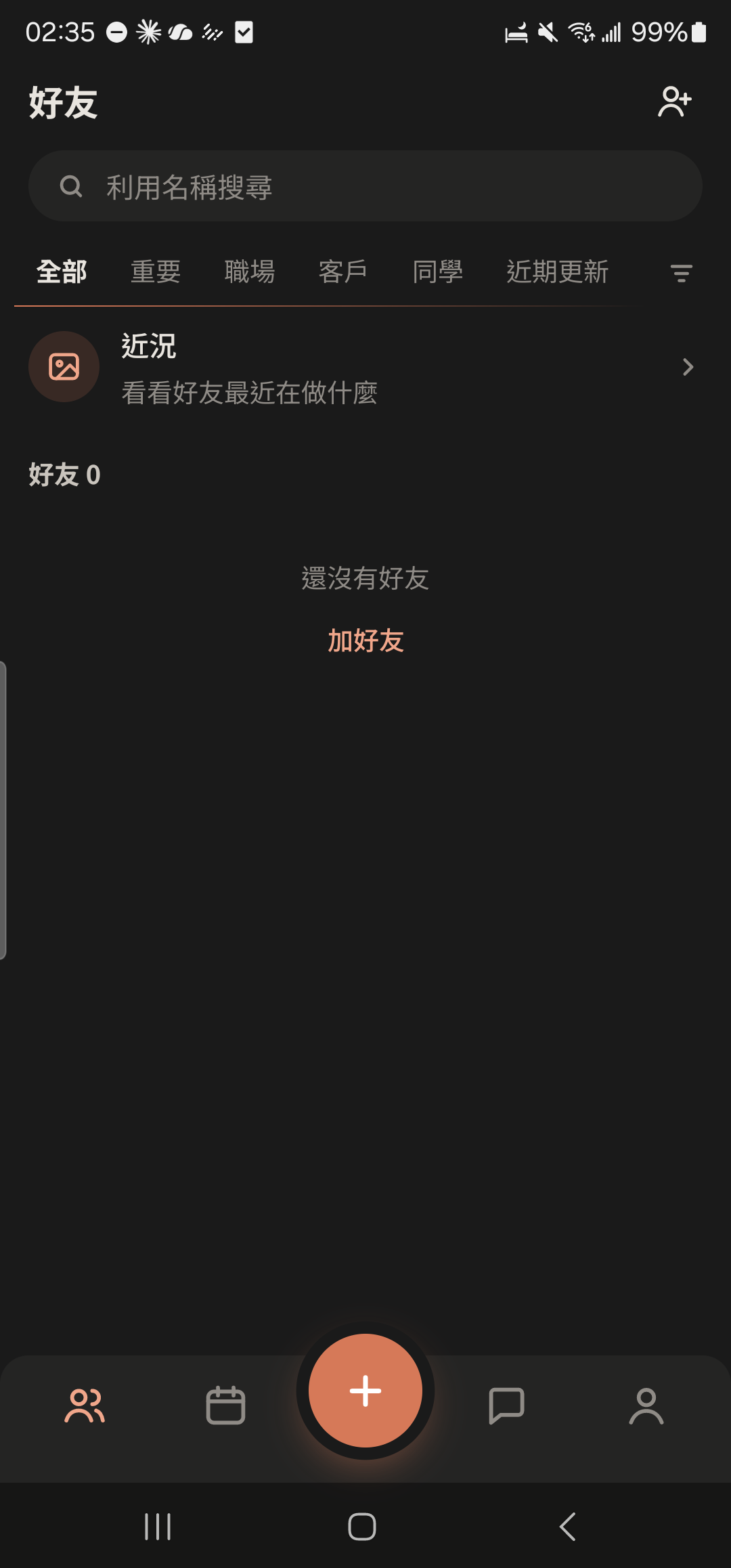
Tap the add friend icon at the top right of the "Friends" tab (it's also at the top right of the "Chats" tab).
- 2
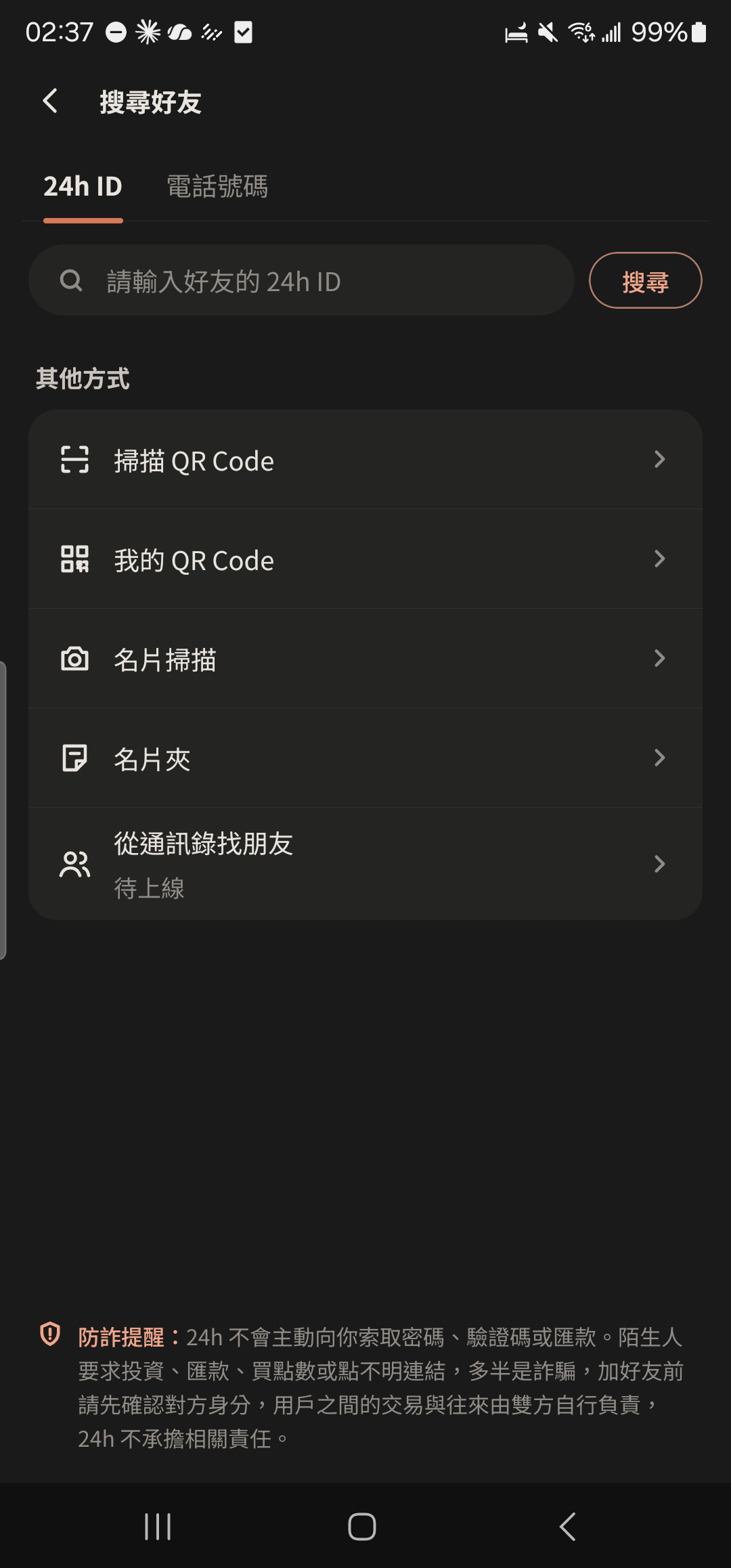
Enter their 24h ID, tap "Search", then tap the result to open their profile.

- 3
Tap "Add Friend". Once they accept, you're friends.
Screenshot comingTheir profile, "Add Friend" highlighted - 4
Tap "My QR Code" for them to scan, or tap "Scan QR Code" to scan theirs.
- 5
Tap "Share" or "Copy 24h ID" at the bottom of the "My QR Code" screen to send it to friends who aren't nearby.
Screenshot comingMy QR Code screen with a glow around the QR code, "Share" and "Copy 24h ID" below
- After you tap "Refresh QR Code", your old QR code stops working. Searching by 24h ID isn't affected.
- If you turn off 24h ID or QR code in "Friend Permissions", others can't find or scan you.