 24h
24hAdd an Entry and set a monthly budget
Log your daily expenses and income, set a monthly budget, and see how much you have left to spend.
- 1
Tap the + at the bottom center and choose "Expenses".
- 2
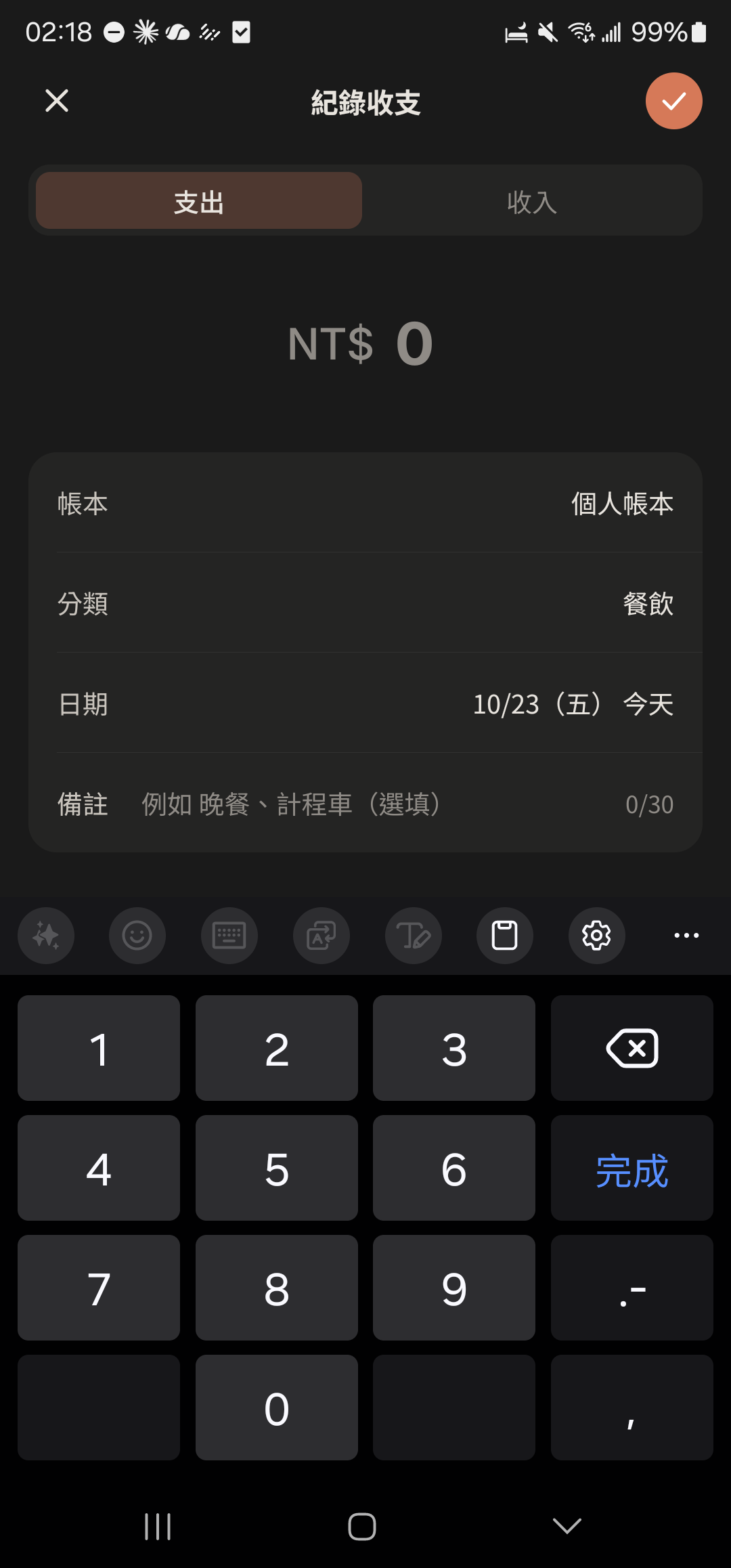
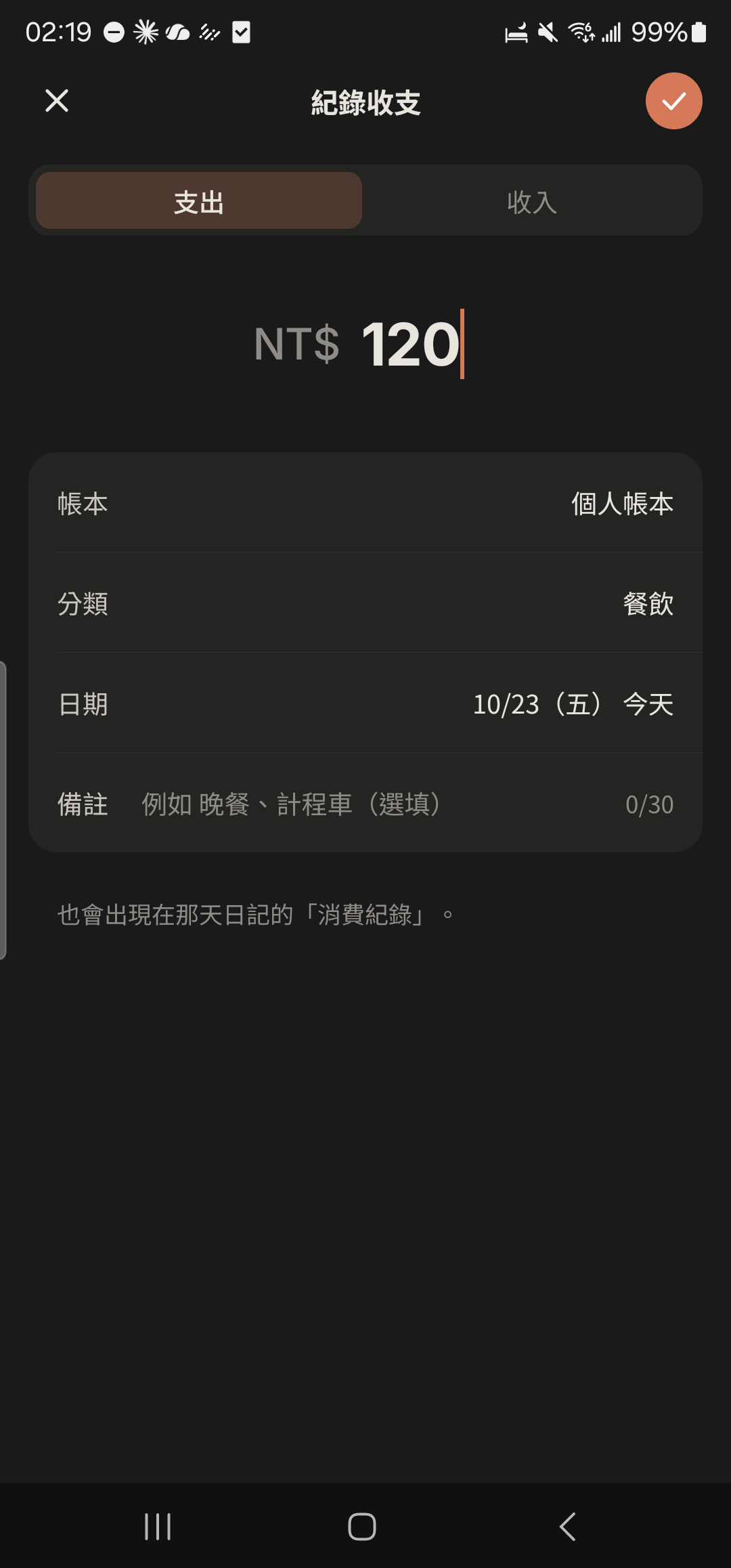
Choose "Expense" or "Income", enter the amount, and choose a category (or type a new one).
- 3
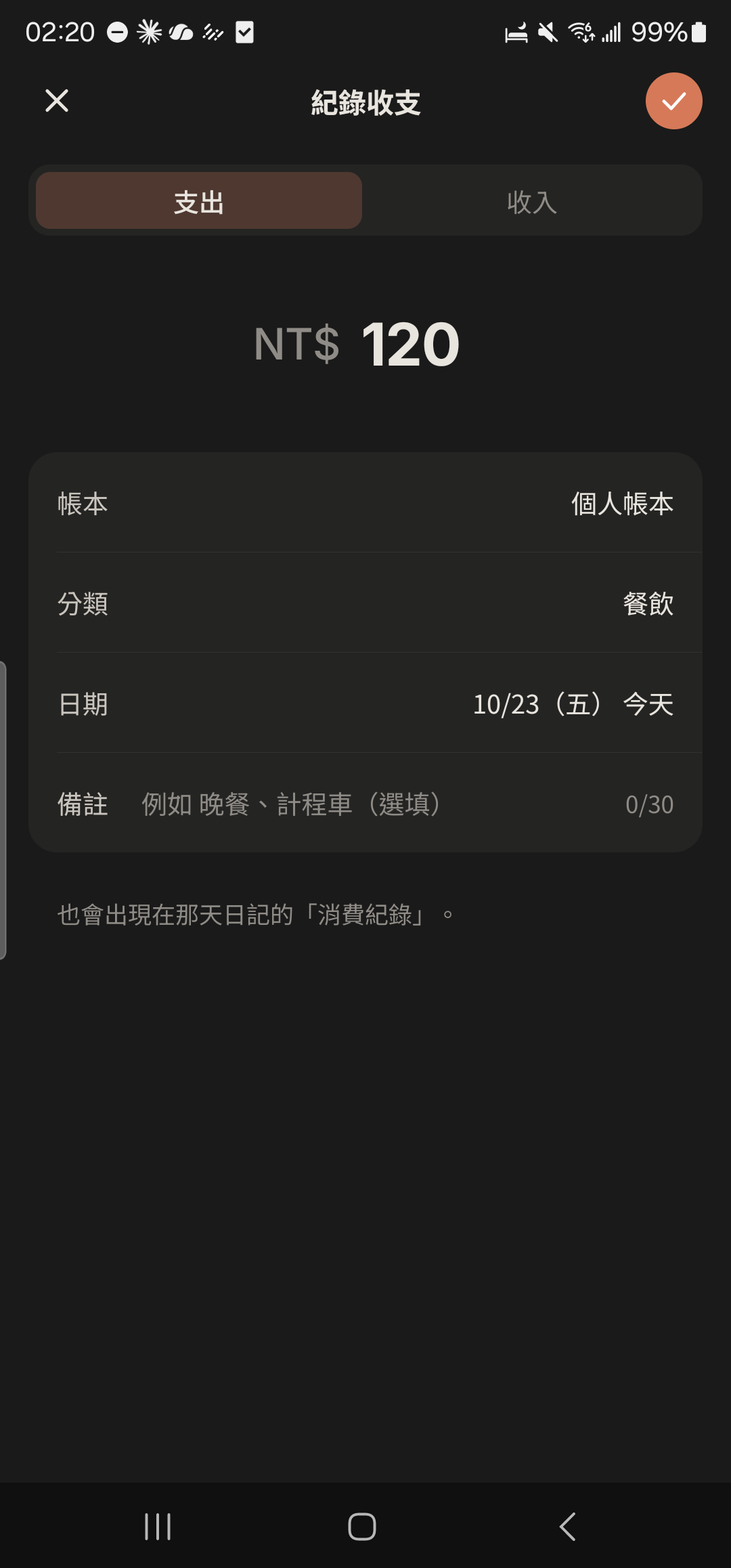
Tap the check mark at the top right to save.
- 4
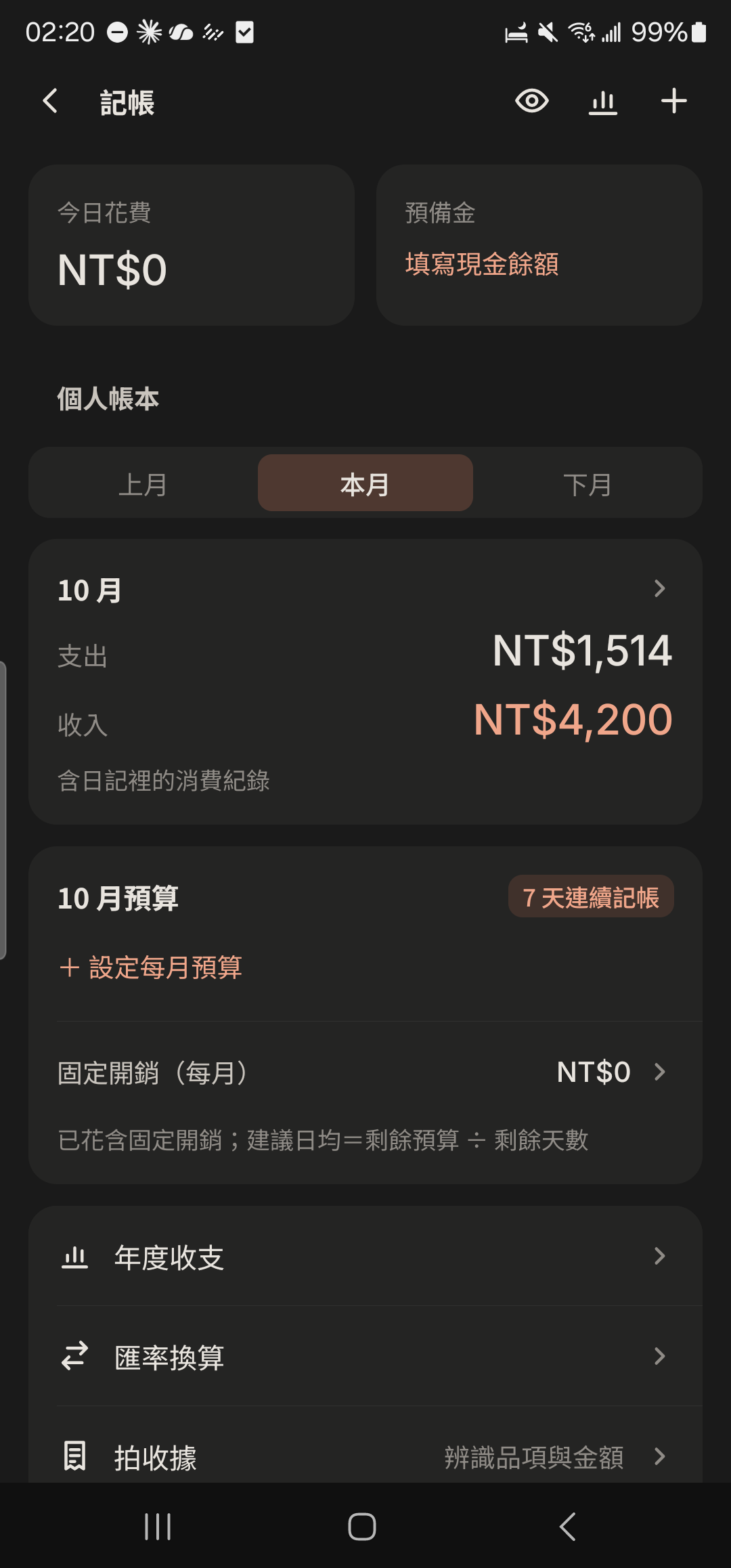
Tap "Expenses" in "Me", then tap "+ Set Monthly Budget".
- 5
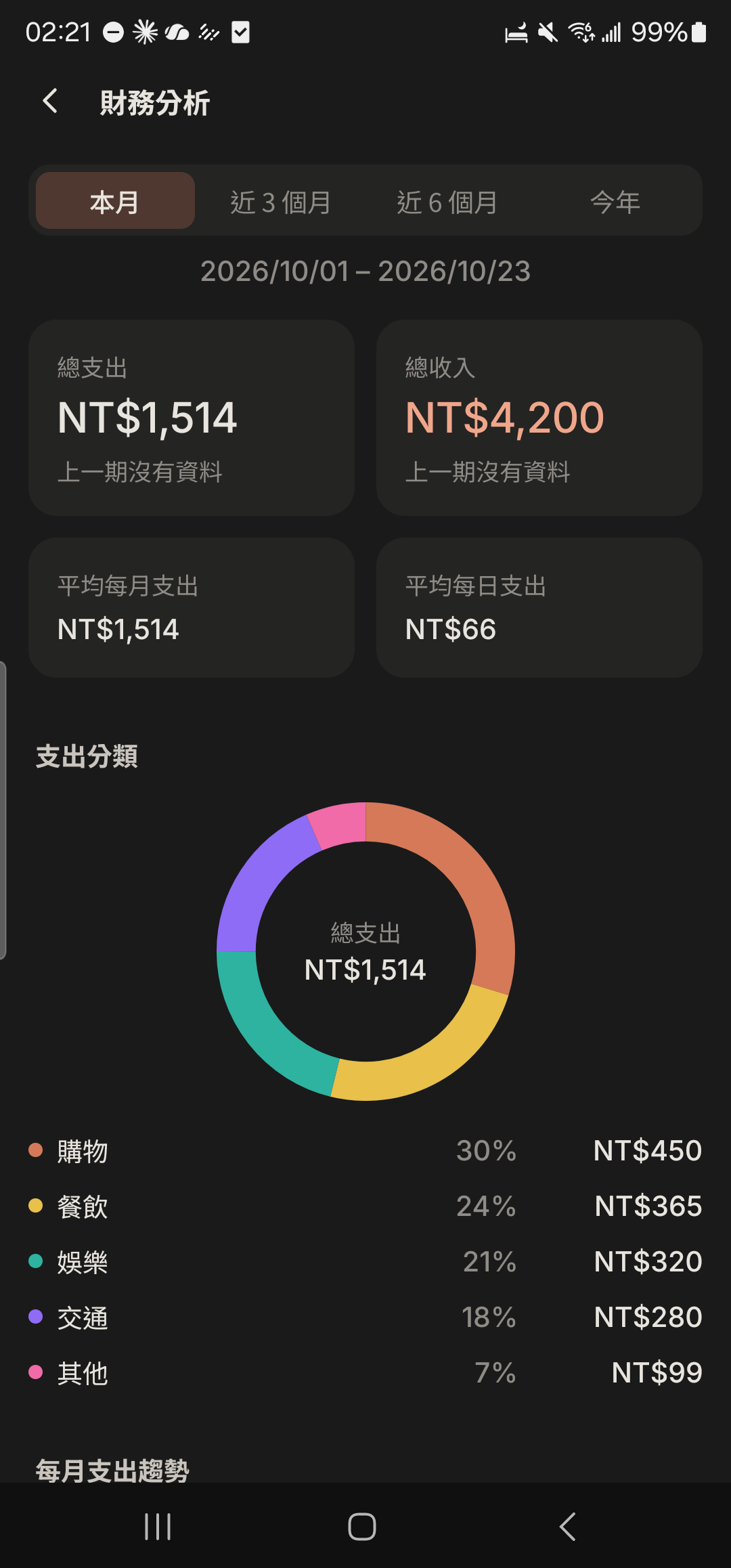
Tap the "Analysis" icon at the top right of the Expenses home screen to switch between the "Finances", "Yearly", and "Monthly Net Worth Report" tabs.
- Only you can see your Personal Ledger. Tap the eye at the top right to hide amounts as ****, so you can show your phone to others without worry.
- When logging an expense in your Personal Ledger, you can choose a "Payment card" to estimate rewards automatically. See Cards and rewards.